AI Advertising Guide
How to Create Facebook Ads With AI
Learn how to create Facebook ads with AI, generate multiple ad creative variations faster, and build a more efficient workflow for testing your campaigns.
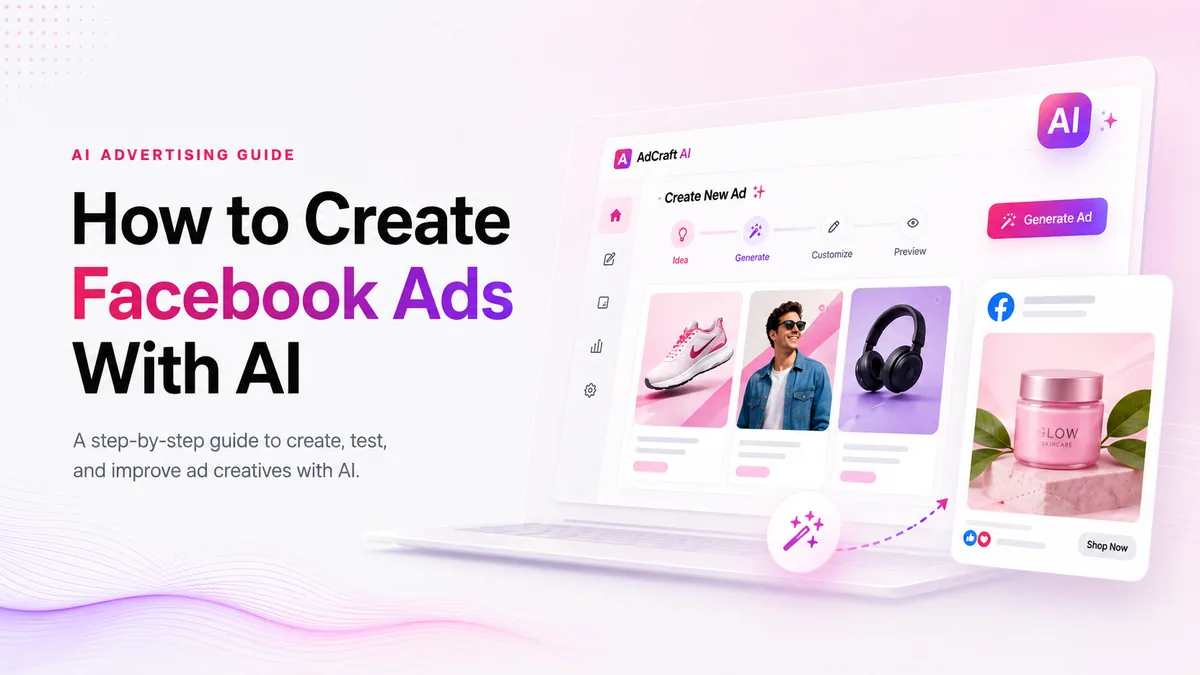
Why Use AI for Facebook Ads?
Creating Facebook ad creatives manually can take time, especially when you need multiple versions for different audiences, products, and campaign tests. AI can help speed up this process by generating new creative ideas, layouts, headlines, and ad variations.
Instead of designing every advertisement from scratch, marketers can use AI to create several versions quickly, review the strongest ideas, and customize them before launching a campaign.
How to Create Facebook Ads With AI Step by Step
AI can speed up Facebook ad creation, but better results come from clear goals, strong brand assets, and testing multiple creative variations.
1. Define Your Campaign Goal
Start by deciding what you want the Facebook ad to achieve. Your goal could be increasing website traffic, generating leads, promoting a product, or driving sales. A clear objective helps you create ad creatives that match the purpose of the campaign.
2. Prepare Your Product and Brand Assets
Gather the product images, logo, brand colors, and key information about your offer. Giving an AI ad generator accurate brand assets can help it produce creatives that look more consistent with your business.
3. Describe Your Target Audience
Think about who should see the ad. Consider their interests, needs, problems, and the reason they may want your product or service. This information can help guide the messaging and creative direction.
4. Generate Multiple Ad Variations
Instead of creating only one ad, generate several variations with different headlines, images, layouts, and calls to action. This gives you more options to review and test.
5. Review and Customize the Best Ads
Do not publish AI-generated ads without reviewing them first. Check the text, images, branding, offer details, and call to action. Choose the strongest variations and customize them when necessary.
6. Test Your Facebook Ad Creatives
Launch different creative variations and compare their performance. Testing can help you understand which messages, images, and formats connect better with your audience.
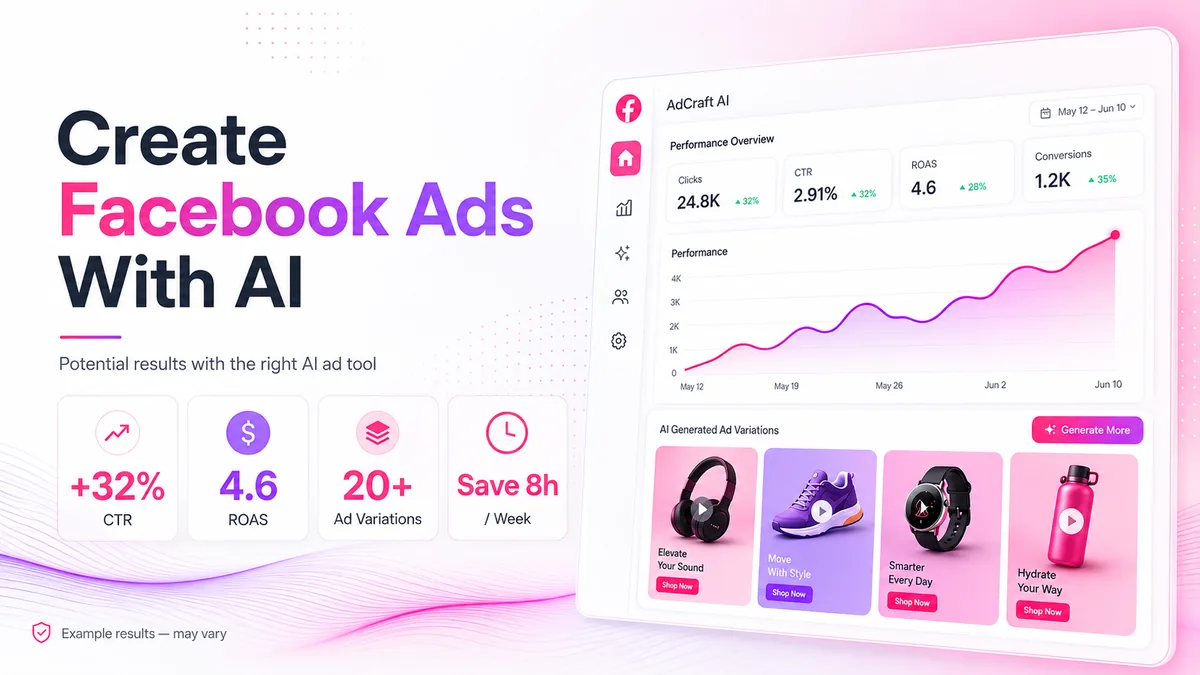
Example results only. Actual performance may vary by campaign, audience, offer, and ad spend.
Types of Facebook Ads You Can Create With AI
AI can help you create and adapt ad creatives for several Facebook formats, depending on your campaign goal and audience.
- Image Ads: Create product-focused visuals with clear headlines and calls to action.
- Carousel Ads: Show multiple products, features, or benefits in one ad.
- Stories & Reels Ads: Create vertical 9:16 creatives designed for mobile viewing.
- Product Ads: Highlight products, offers, and key benefits for ecommerce campaigns.
- Lead Generation Ads: Create visuals and messaging for offers, guides, consultations, or signups.
What Makes a Good Facebook Ad?
- Clear message: Make the offer easy to understand at a glance.
- Strong visual: Use an image that quickly gets attention.
- Simple headline: Focus on one main benefit instead of too much text.
- Clear CTA: Tell people exactly what action to take next.
- Creative variations: Test different visuals, headlines, and layouts to find what works best.
Common Mistakes When Using AI for Facebook Ads
- Using the first result: Generate several versions before choosing your final creative.
- Ignoring your brand: Keep your colors, logo, message, and visual style consistent.
- Skipping manual review: Check AI-generated text and visuals before publishing.
- Not testing variations: Compare different creatives to learn what works best.
How to Choose an AI Ad Generator
Look for an AI ad generator that creates multiple creative variations, supports different ad formats, keeps your branding consistent, and allows you to customize the final result.
See our recommended AI ad generator for creating ad creatives with AI.
If you're considering AdCreative.ai for your Facebook campaigns, you can also read our AdCreative.ai pricing guide to compare current plans, credits, and billing options.
Final Thoughts
AI can help you create Facebook ad variations faster, but strong results still depend on clear goals, good creative choices, and real campaign testing.
If you also want to create ads for Instagram, read our step-by-step guide to creating Instagram ads with AI .
Frequently Asked Questions
Can AI create Facebook ads?
Yes. AI can help create ad visuals, headlines, layouts, and multiple creative variations that you can review and customize.
Can AI improve Facebook ad performance?
AI can help you create and test more ad variations faster, but results depend on your audience, offer, campaign setup, and testing.
Should I edit AI-generated Facebook ads?
Yes. Always review the text, visuals, branding, and call to action before publishing an AI-generated ad.
Start Creating Better Facebook Ads With AI
AI can help you create Facebook ad creatives faster, generate multiple variations, and test new campaign ideas without designing everything from scratch.
Define your campaign goal, understand your audience, create several variations, and test what performs best.
Discover the AI Tool →