ADCREATIVE.AI ROI CALCULATOR GUIDE
AdCreative.ai ROI Calculator: How Much Can You Save in 2026?
Estimate design-cost savings, time saved and subscription ROI from team size and creative-production volume, then review the assumptions before making a decision.
Disclosure: This page may contain affiliate links. We may earn a commission at no extra cost to you if you sign up through these links.
A calculator can make a buying decision easier only when you understand what assumptions sit behind the result.
AdCreative.ai's current ROI Calculator asks for operational inputs such as country of operation, the number of team members who will use the product and average weekly creative volume. It then presents estimated cost savings, time saved, ROI and a recommended plan.
The calculator is an estimation tool. AdCreative.ai explicitly says the results are informational, do not guarantee financial outcomes and can vary based on business factors that are not captured by the model.
For the wider strategy around generating, testing and improving advertising assets, see our complete AI advertising guide.
What This Workflow Means in Practice
Estimate design-cost savings, time saved and subscription ROI from team size and creative-production volume, then review the assumptions before making a decision.
The goal is not to automate judgment. The goal is to reduce repetitive work while keeping the final campaign accurate, on-brand and measurable.
What Inputs Matter Most?
| Input | Why It Matters |
|---|---|
| Country of operation | Used to support country-specific cost assumptions in the estimate. |
| Team members | Influences the seat requirement and recommended subscription setup. |
| Creatives per week | Used to estimate annual creative-production volume. |
| Traditional design cost | The model compares estimated conventional design cost with the subscription cost. |
| Time per creative | AdCreative.ai says its model uses a one-hour-per-creative industry average. |
| Plan cost | The model selects a plan intended to cover the team size and creative-volume range. |
What to Prepare Before You Start
- Use your real average weekly creative demand rather than a peak campaign week.
- Count only team members who would actually use the platform.
- Compare the calculator with your real designer, agency or internal labor cost.
- Separate estimated time saved from guaranteed cash savings.
- Review the current plan and pricing page because subscription terms can change.
- Use the result as one input in the buying decision, not the decision itself.
Important: Better source inputs reduce the amount of guessing the AI or calculator has to do.
AdCreative.ai ROI Calculator: How Much Can You Save?: Step by Step
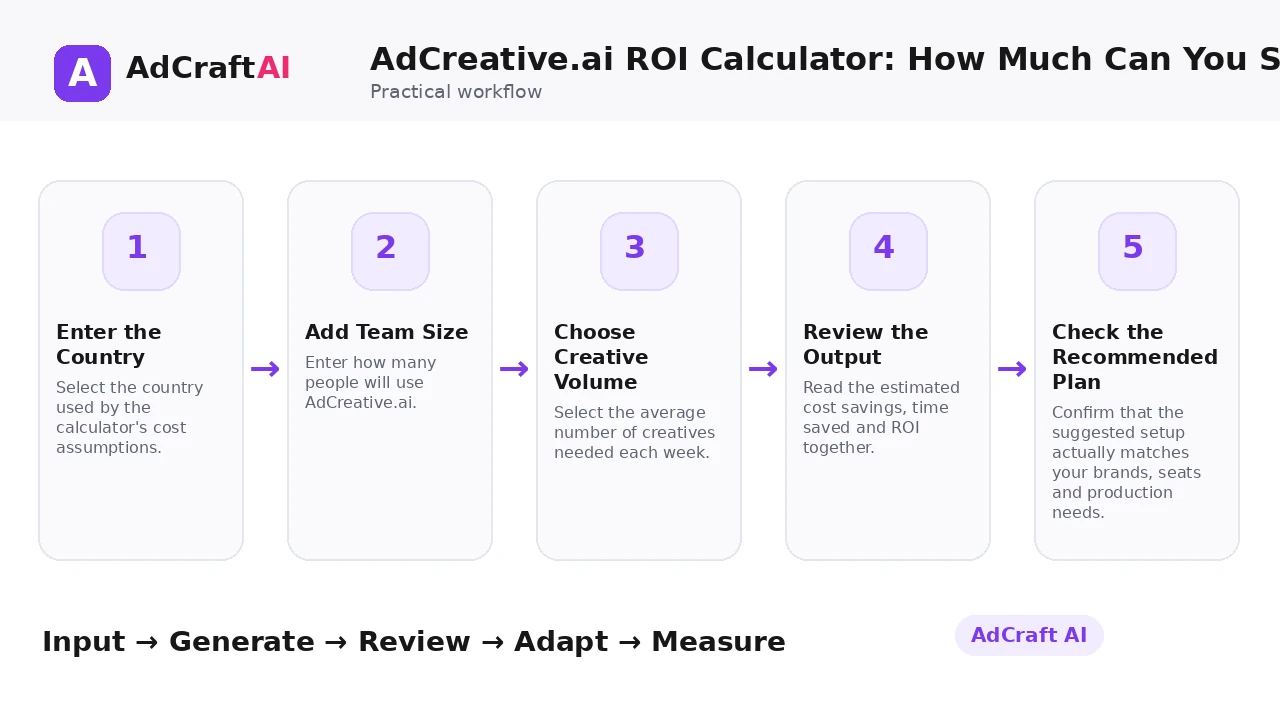
1. Enter the Country
Select the country used by the calculator's cost assumptions.
2. Add Team Size
Enter how many people will use AdCreative.ai.
3. Choose Creative Volume
Select the average number of creatives needed each week.
4. Review the Output
Read the estimated cost savings, time saved and ROI together.
5. Check the Recommended Plan
Confirm that the suggested setup actually matches your brands, seats and production needs.
6. Understand the Formula
Compare estimated traditional design savings against the yearly AdCreative.ai cost.
7. Replace Assumptions With Your Data
Recalculate mentally or in a spreadsheet using your own labor and agency costs.
8. Make a Practical Decision
Use the estimate alongside feature fit, campaign volume and real workflow needs.
How the AdCreative.ai ROI Calculator Estimates ROI
AdCreative.ai's current calculator says ROI is calculated as:
(Savings on traditional design fees − AdCreative.ai yearly fee) ÷ AdCreative.ai yearly fee.
The page says it estimates traditional cost by taking the midpoint of the selected weekly-creative range, converting that to yearly volume, multiplying by a one-hour-per-creative industry average and then applying a designer hourly rate for the selected country.
The calculator also describes plan selection logic based on both creative volume and seat requirements. The company includes a clear disclaimer that the estimates do not guarantee actual financial outcomes.
Explore This AdCreative.ai Workflow
Use the feature as a starting point, review the generated or estimated output carefully, and validate the final decision with your own campaign or operational data.
Explore AdCreative.ai →What to Review Before You Use the Result
| Review Area | What to Check |
|---|---|
| Creative volume | Is your selected weekly range representative of normal demand? |
| Labor rate | Does the country-based designer rate resemble your actual cost? |
| Time assumption | Does one hour per creative reflect your current workflow? |
| Seat count | Will all listed users really need access? |
| Plan fit | Does the suggested tier cover your brands, downloads and team needs? |
| Business outcome | Would the saved time actually reduce cost or create additional productive capacity? |
Practical Example: Interpret the ROI Result, Not Just the Number
Suppose a small marketing team generates a steady number of creatives every week.
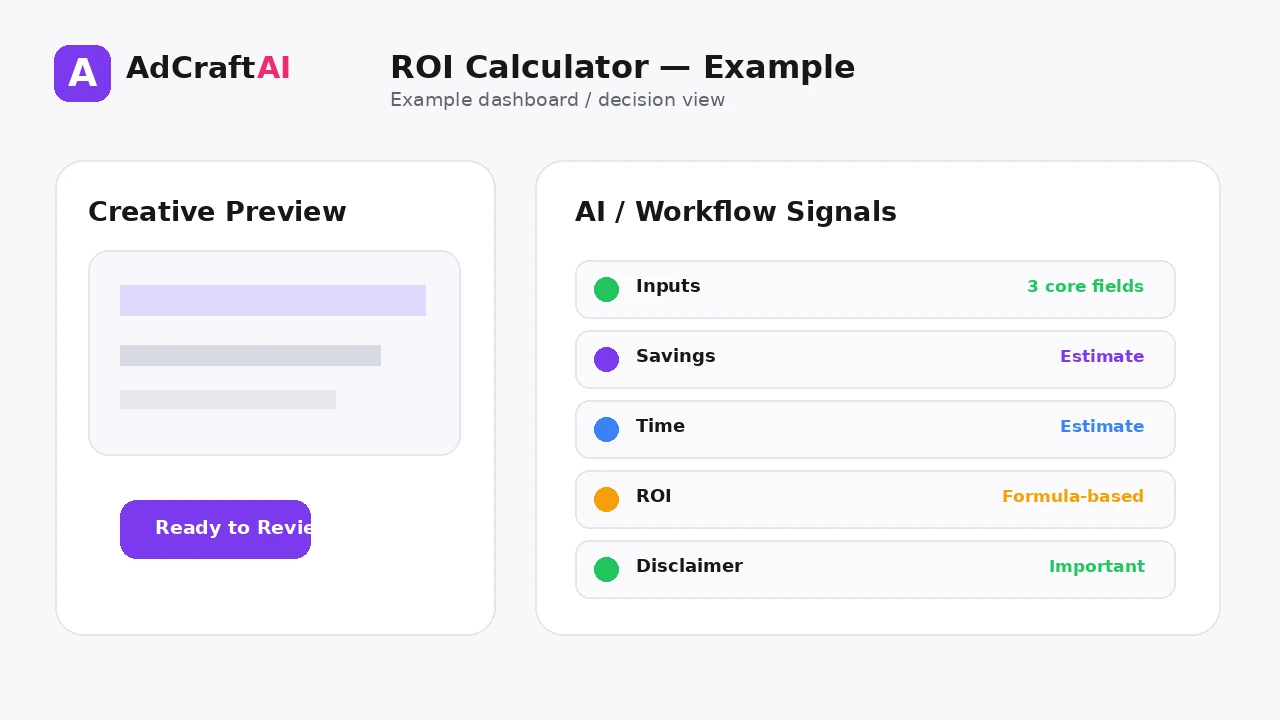
Calculator output: It may show estimated annual design savings, time saved and a suggested plan.
Reality check: Compare the calculator's implied hourly design cost with what your team or agency actually costs.
Capacity check: Decide whether saved hours become lower expenses, faster testing or simply unused time.
A high calculated ROI is useful only when the assumptions match how your business operates.
Common Mistakes
Using peak volume
A short seasonal spike can overstate annual savings.
Treating time saved as cash saved
Saved hours only become financial value if the organization uses that capacity productively.
Ignoring current pricing
Plans and limits can change.
Skipping the plan-fit check
A recommended tier still needs to match your actual brands, users and usage.
Accepting the hourly-rate assumption blindly
Your internal or agency cost may be very different.
Reading ROI as a forecast
The company itself says the calculator does not guarantee actual outcomes.
Best Practices
- Use accurate source information and current offers.
- Generate a small number of meaningful variations before expanding volume.
- Change one important variable at a time when testing.
- Keep the final creative consistent with the landing page and brand.
- Use AI scores, calculators or suggestions as decision support rather than guarantees.
- Let live campaign data determine the next creative iteration.
A Simple Repeatable Workflow
- Define one campaign or production goal.
- Prepare the source inputs.
- Generate or configure a small first batch.
- Review accuracy, hierarchy and brand fit.
- Edit or remove weak variations.
- Adapt the strongest version for the target placement.
- Run a controlled test or operational check.
- Measure the result.
- Use what you learned to create the next iteration.
Continue Building Your AI Advertising Workflow
Frequently Asked Questions
What does the AdCreative.ai ROI Calculator estimate?
The current page presents estimated cost savings, time saved, ROI and a recommended plan.
What inputs does it ask for?
The calculator currently asks for country of operation, team-member count and average weekly creative volume.
How does AdCreative.ai calculate ROI?
The page says it subtracts the yearly AdCreative.ai fee from estimated traditional design savings and divides the result by the yearly fee.
Does the calculator guarantee I will save money?
No. AdCreative.ai explicitly says the output is informational and does not guarantee financial outcomes.
Why does country matter?
The published methodology says the model uses a designer hourly rate for the selected country.
Should I use the recommended plan automatically?
No. Confirm the current price, seats, brands, credits or download limits and whether the plan fits your real usage.
Official Resources
Product features, limits and calculator assumptions can change. Use the official resources below to verify the current workflow before relying on a specific capability.
Final Thoughts
Estimate design-cost savings, time saved and subscription ROI from team size and creative-production volume, then review the assumptions before making a decision.
The strongest workflow combines faster production or analysis with human review and real performance data. Use AI to create more useful options—not to remove accountability from the final decision.
Explore More AdCreative.ai Tools
Compare the workflow with your current creative process and use the features that remove genuine production or analysis bottlenecks.
Discover the AI Tool →