AI ADVERTISING GUIDE
AI Advertising: How to Create Better Ads With Artificial Intelligence
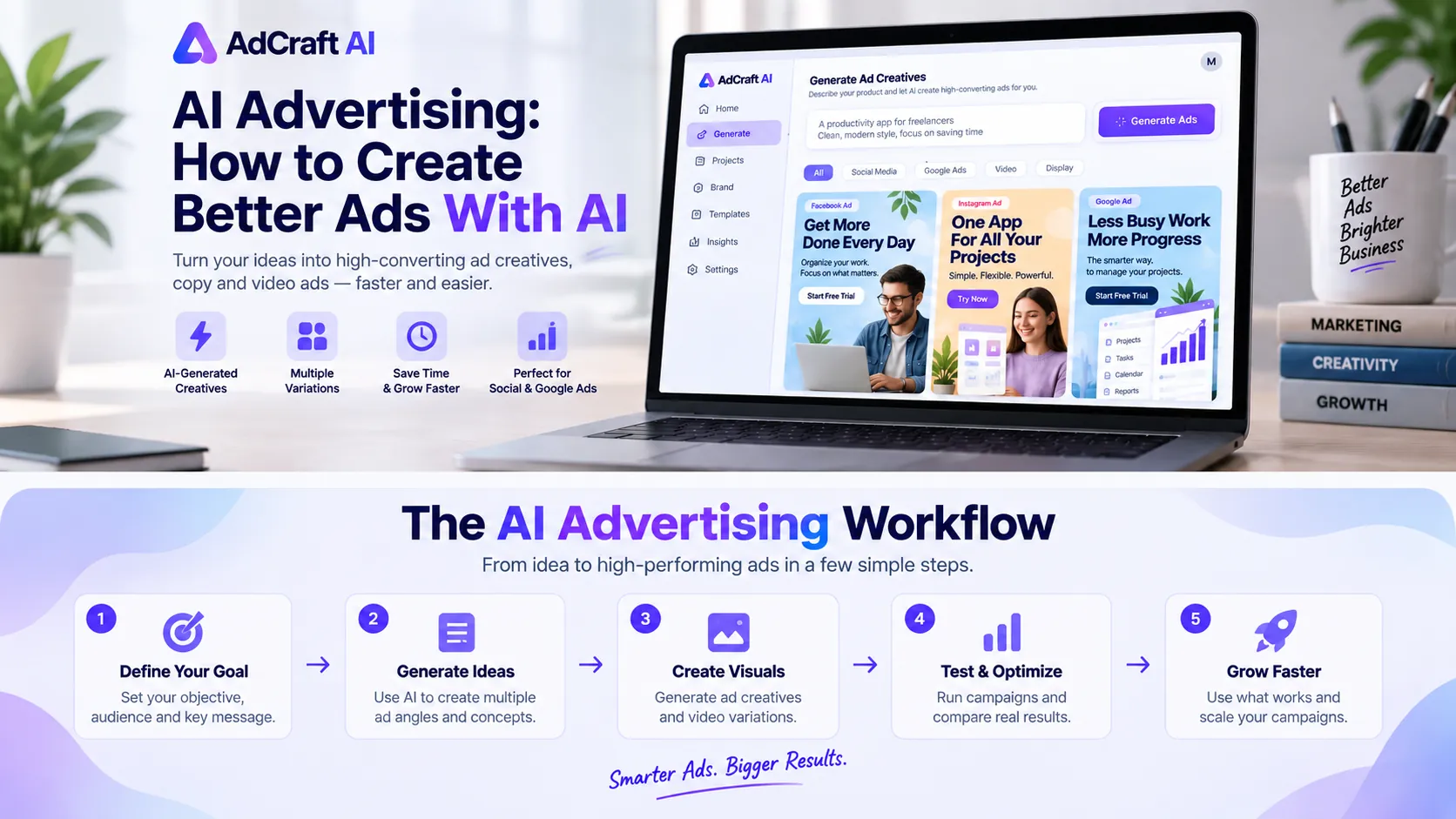
Artificial intelligence is becoming a practical part of online advertising, helping marketers create ideas, visuals, copy and campaign variations faster. But better advertising still depends on strategy, human review and real testing.
Disclosure: This page may contain affiliate links. We may earn a commission at no extra cost to you if you sign up through these links.
What Is AI Advertising?
AI advertising means using artificial intelligence to assist with one or more parts of the advertising process.
Instead of manually creating every headline, image, campaign idea or creative variation, marketers can use AI to speed up repetitive work and explore more ideas before launching a campaign.
- Generate advertising copy and headlines
- Create visual concepts
- Produce multiple creative variations
- Assist with video advertising
- Brainstorm campaign angles
- Support creative testing and optimization
AI does not remove the need for strategy. The strongest workflow still combines human knowledge with AI-assisted production.
What Can AI Actually Do for Advertisers?
| Advertising Task | How AI Helps | Human Role |
|---|---|---|
| Headlines | Generate different angles quickly | Choose the strongest message |
| Ad Copy | Create multiple drafts | Review tone and claims |
| Images | Create or adapt visual ideas | Check branding and realism |
| Video Ads | Assist with scripts and variations | Review quality and accuracy |
| Campaign Ideas | Suggest hooks and concepts | Understand the customer |
If you work with ecommerce products, see our guide to creating product photos with AI for a product-accuracy-first photography workflow.
If you want to turn those product images into motion, see our guide to creating product videos with AI for a step-by-step image-to-video workflow.
Once your campaigns are running and collecting data, see our guide to analyzing ad performance with AI to identify stronger creatives, monitor ad fatigue and turn campaign results into new creative tests.
If you already have a website or product page, you can also use it as the starting point for new creatives. See our guide to turning a website into ads with AI to learn how a URL can be used to generate ad copy, visuals and multiple creative variations.
If you want to focus specifically on the messaging, read our guide to writing ad copy with AI for a practical workflow covering headlines, primary text, descriptions and copy variations.
If you need new visual assets for your campaigns, see our guide to generating AI images for ads to learn how to create, review and test campaign-ready visuals with AI.
Before publishing new creatives, you can also review potential policy, brand and messaging issues with AI. See our guide to checking ad compliance with AI for a practical pre-launch review workflow.
For smaller production tasks such as background removal, image upscaling, face enhancement and AI voice generation, see our guide to the Creative Utility Suite and how these tools can support a faster ad-creation workflow.
You can also scale creative production with custom ad templates, build narrative campaigns with AI storytelling video ads, or combine creatives, copy and audience ideas using a complete AI ad package.
For research and optimization, explore the Creative Studio Editor, find new concepts with the Ad Inspiration Bank, estimate production savings with the AdCreative.ai ROI Calculator, and evaluate your creative testing pace with the Creative Opportunity Calculator.
Expand the workflow with our guides to AI stock images for ads, AI ad videos, brand setup for AI ad generation, connecting ad accounts, and pushing AI creatives to ad accounts.
For business-specific workflows, see our guides for small businesses, ecommerce brands, and agencies scaling creative production with AI.
A Practical Example: Creating an Ad With AI
Imagine that we are promoting a productivity app designed for freelancers. The goal is to generate free-trial signups from people who manage several clients and projects at the same time.
1. Define the Campaign Goal
Before asking AI to create anything, define the objective, target audience, customer problem and main benefit.
To build clearer audience hypotheses before creating ads, read our guide to creating buyer personas with AI .
Goal: Generate free-trial signups.
Audience: Freelancers managing multiple clients and projects.
Problem: Tasks and deadlines are spread across different tools.
Benefit: Keep projects organized in one place.
2. Give the AI Better Context
Create three advertising concepts for a productivity app designed for freelancers. Focus on saving time and keeping client projects organized. Use a clear, conversational tone and avoid exaggerated claims.
3. Generate Different Advertising Angles
Instead of generating ten nearly identical ads, create genuinely different messages that can be tested.
| Angle | Example Headline |
|---|---|
| Time Saving | Spend Less Time Managing Work |
| Organization | Keep Every Client Project in One Place |
| Pain Point | Stop Losing Tasks Between Apps |
Review AI-Generated Ads Before Publishing
An AI-generated creative should never be published automatically just because it looks professional.
- Check whether the product is represented accurately
- Review advertising claims
- Make sure the headline matches the landing page
- Check brand colors and tone
- Look for unrealistic visual elements
- Confirm the call to action fits the campaign goal
Test AI Ads Instead of Guessing
Creating more ads is useful only when you test the variations and learn from real campaign performance.
For a signup campaign, useful metrics may include click-through rate, cost per click, landing-page conversion rate and cost per signup.
For a pre-launch optimization workflow, read our guide to predicting ad performance with AI .
Why AI Ad Generators Are Useful
Specialized AI advertising tools can help marketers produce multiple campaign variations without starting every design from scratch.
If you want to understand this type of tool in more detail, visit our AI ad generator guide .
If you're considering AdCreative.ai, you can also read our to compare current plans, credits, and billing options. .
AI Video Ads
AI can also assist with video advertising by helping create scripts, scenes, voiceovers, captions and different versions of the same idea.
An AI video ad can reduce production time, but the final video should still be checked for incorrect text, unrealistic visuals, brand inconsistencies and product accuracy.
AI Advertising on Facebook, Instagram and TikTok
Social advertising often requires fresh creative ideas because audiences may see the same advertisement repeatedly.
For platform-specific workflows, read our guide to creating Facebook ads with AI , our guide to creating Instagram ads with AI , and our step-by-step guide to creating TikTok ads with AI .
How Google Ads Uses Artificial Intelligence
For a video-specific workflow, read our guide to creating YouTube ads with AI .
For a B2B-specific workflow, read our guide to creating LinkedIn Ads with AI .
For Snapchat's newer AI advertising workflow, read our guide to creating Snapchat Ads with AI .
Artificial intelligence in Google Ads extends beyond writing advertising copy. AI can assist with asset combinations, audience signals, optimization and creative generation.
Advertisers should still define clear campaign goals, monitor performance and review automatically generated assets before relying on them.
For a complete step-by-step workflow, read our guide to creating Google Ads with AI .
Can You Use ChatGPT for Advertising?
ChatGPT can be useful for brainstorming advertising angles, writing headline variations, exploring customer pain points and drafting campaign copy.
General-purpose AI is especially useful during research and ideation, while specialized advertising tools may be more useful when you need complete visual creatives and campaign variations.
For a research-first workflow, see our guide to analyzing competitor ads with AI .
Where AI Advertising Can Go Wrong
Publishing Everything AI Generates
More output does not automatically mean better advertising. Focus on meaningful variations instead of producing dozens of nearly identical creatives.
Using Generic Prompts
AI performs better when it understands the product, audience, offer and campaign objective.
Trusting AI-Generated Claims
Product claims, statistics and factual statements should always be verified before publication.
Ignoring Brand Consistency
A visually attractive advertisement may still be wrong if it does not look or sound like your brand.
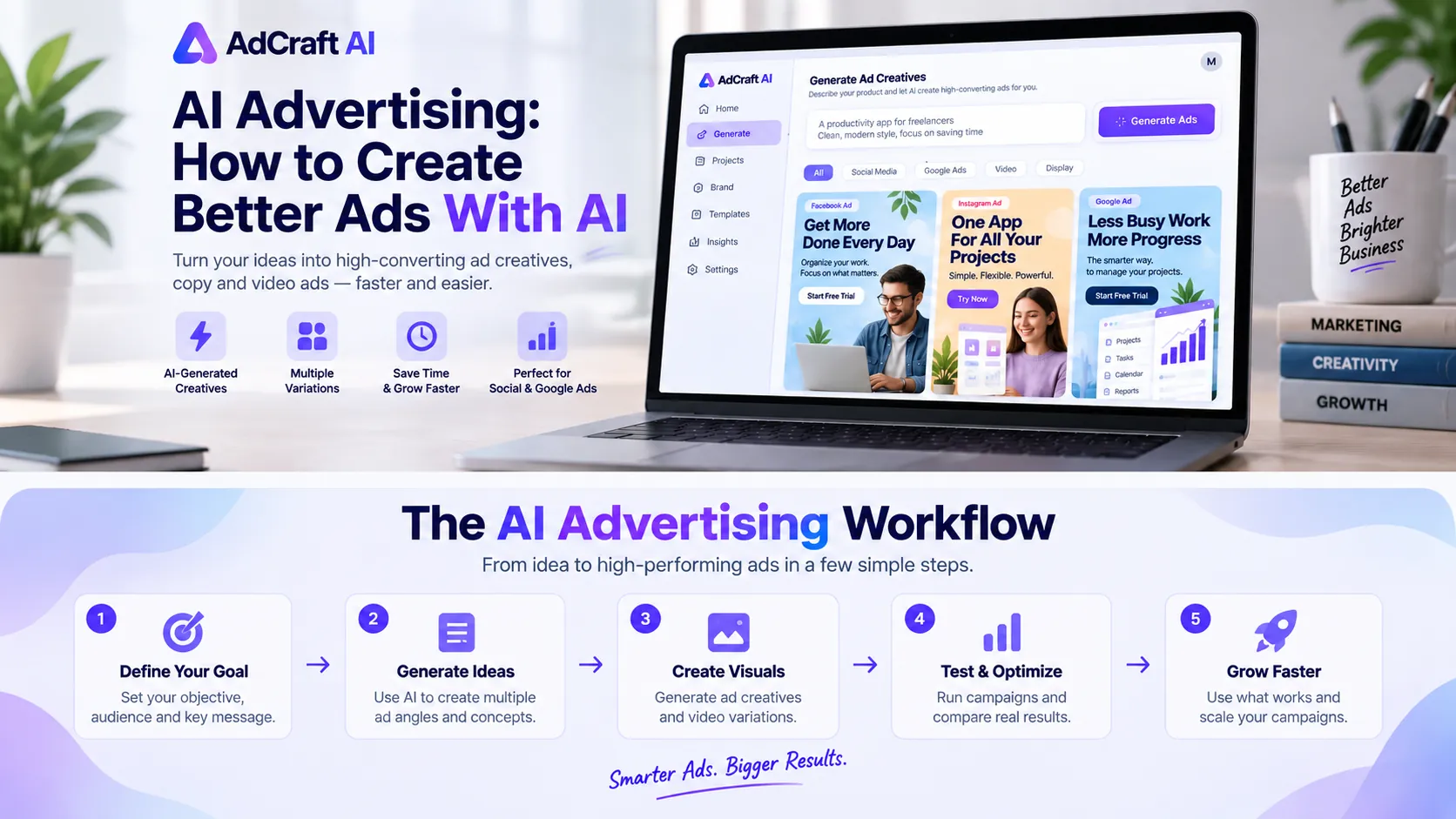
A Better AI Advertising Workflow
- Define the campaign goal
- Understand the target audience
- Choose the main message
- Generate several creative directions
- Review and edit the strongest options
- Launch controlled tests
- Measure real campaign results
- Create new variations based on what you learned
Is AI Advertising Worth Using?
AI can be valuable for marketers who frequently create advertising assets and need more variations without dramatically increasing production time.
It can be especially useful for ecommerce businesses, agencies, performance marketers, freelancers and small marketing teams.
The goal is not to automate everything. Use AI where it solves a real bottleneck, then use human judgment and campaign data to decide what works.
Frequently Asked Questions About AI Advertising
What is AI advertising?
AI advertising is the use of artificial intelligence to assist with tasks such as creating ad copy, visuals, videos, campaign variations and advertising optimization.
Can AI generate complete ads?
AI can generate many parts of an advertisement, including headlines, copy, images and video. Human review is still important before publishing.
Are AI-generated ads better than manual ads?
Not automatically. Campaign testing is the best way to determine which creative performs better for a specific goal.
Can AI create video ads?
Yes. AI tools can assist with video scripts, scenes, voiceovers, captions and creative variations.
Can small businesses use AI advertising?
Yes. AI can help small teams produce and test more advertising ideas without requiring a large creative department.
Explore AI-Powered Ad Creation
If producing enough fresh ad variations is slowing down your workflow, an AI-focused creative tool may be worth testing.
AdCreative.ai is one option designed specifically for generating and testing advertising creatives.
Explore the AI Advertising Tool →