GOOGLE ANALYTICS INTEGRATION STATUS
Can You Connect Google Analytics to AdCreative.ai in 2026? Current Status
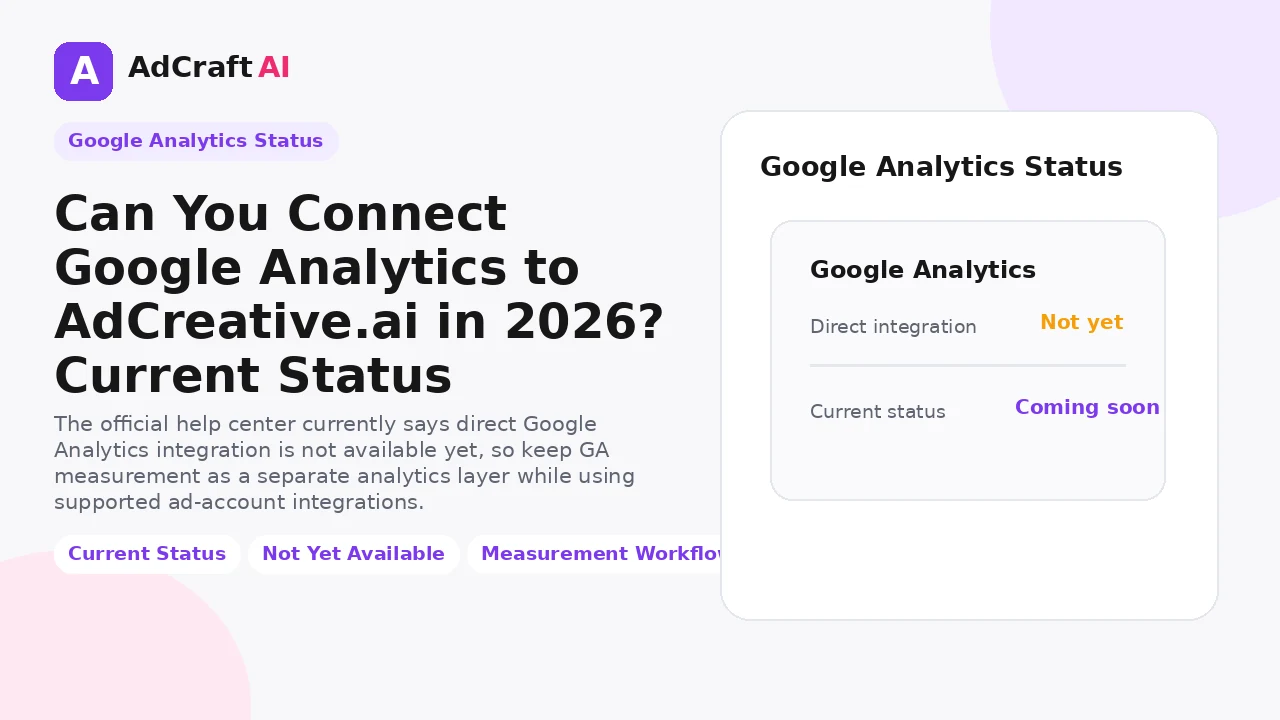
The official help center currently says direct Google Analytics integration is not available yet, so keep GA measurement as a separate analytics layer while using supported ad-account integrations.
Disclosure: This page may contain affiliate links. We may earn a commission at no extra cost to you if you sign up through these links.
Google Analytics is useful for measuring what happens after a click, but it should not be confused with an advertising-platform account integration.
AdCreative.ai’s official help center currently says direct Google Analytics integration is not possible yet and describes the request as coming soon.
That means the practical workflow in 2026 is to keep Google Analytics as a separate measurement source while using the ad-account integrations that AdCreative.ai currently supports.
For the wider strategy around generating, testing and improving advertising assets, see our complete AI advertising guide.
What This Workflow Means in Practice
The official help center currently says direct Google Analytics integration is not available yet, so keep GA measurement as a separate analytics layer while using supported ad-account integrations.
The goal is to reduce repetitive work while keeping the final campaign, integration or business decision accurate and measurable.
What Inputs Matter Most?
| Input | Why It Matters |
|---|---|
| Google Analytics property | Your existing web-analytics measurement layer. |
| UTM structure | Keeps campaign traffic identifiable in analytics. |
| Ad platform data | Measures delivery, spend and platform-side conversions. |
| Creative naming | Lets you map assets to campaigns and analytics records. |
| Landing pages | Connect ad messages to measurable website behavior. |
| Reporting process | Combines creative insights with downstream site performance. |
What to Prepare Before You Start
- Do not look for a direct GA connection if the feature is still unavailable.
- Keep UTMs consistent across campaigns.
- Use stable campaign and creative names.
- Confirm key conversions are tracked in your analytics stack.
- Connect supported ad accounts separately where useful.
- Re-check the official help article periodically because integration availability can change.
Important: Better source information reduces the amount of guessing in the workflow.
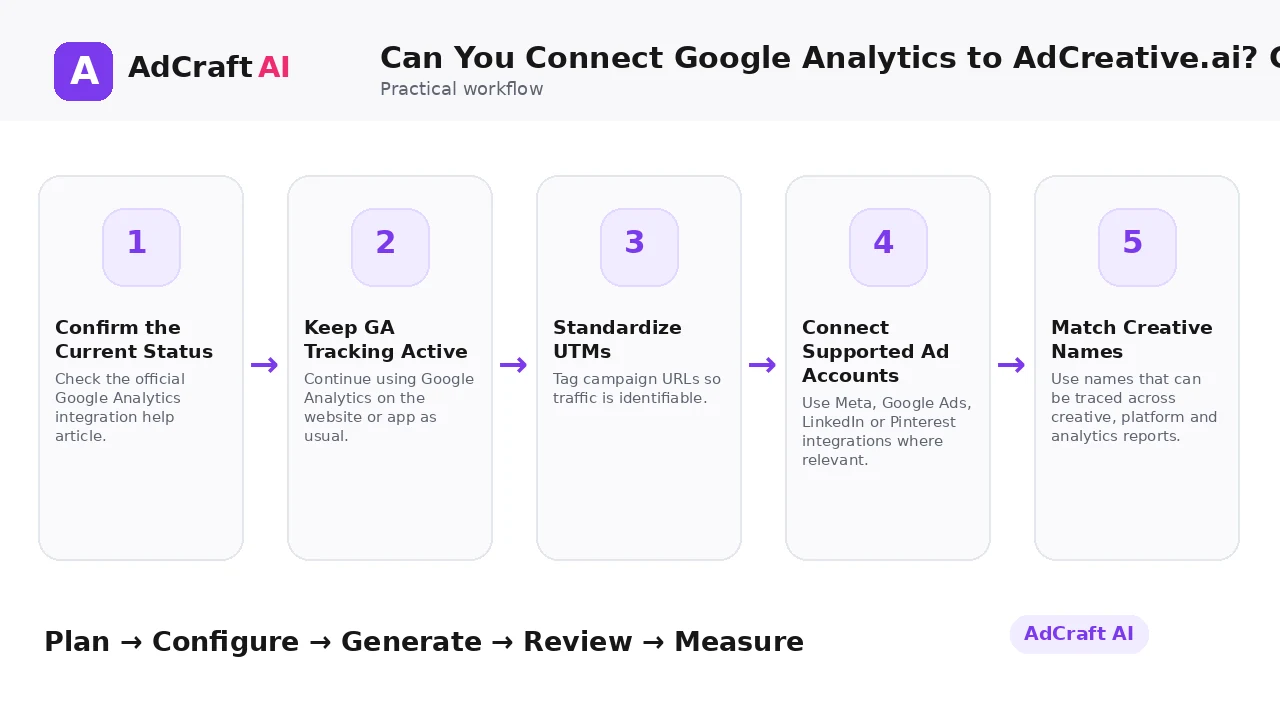
Can You Connect Google Analytics to AdCreative.ai? Current Status: Step by Step
1. Confirm the Current Status
Check the official Google Analytics integration help article.
2. Keep GA Tracking Active
Continue using Google Analytics on the website or app as usual.
3. Standardize UTMs
Tag campaign URLs so traffic is identifiable.
4. Connect Supported Ad Accounts
Use Meta, Google Ads, LinkedIn or Pinterest integrations where relevant.
5. Match Creative Names
Use names that can be traced across creative, platform and analytics reports.
6. Review On-Site Behavior
Use GA to evaluate sessions, engagement and conversion behavior after clicks.
7. Compare With Ad Data
Analyze creative and platform performance alongside website outcomes.
8. Revisit the Integration Status
Update the workflow if a direct connection becomes officially available.
Current Google Analytics Integration Status
AdCreative.ai’s official help article currently answers the Google Analytics integration question with: “Right now this is not possible” and says the request is coming soon.
Because the direct integration is not currently documented as available, avoid tutorials that instruct users to click settings that do not exist.
You can still maintain a complete measurement workflow by using Google Analytics independently for website behavior and supported ad-account integrations for platform and creative context.
Explore the Current AdCreative.ai Workflow
Use the feature as a starting point, verify the current interface and plan details, and review every output before it becomes part of a live campaign.
Explore AdCreative.ai →What to Review Before You Use the Result
| Review Area | What to Check |
|---|---|
| Status | Has the official help article changed since this guide was updated? |
| UTMs | Are campaign parameters consistent? |
| Conversion events | Are important website actions tracked? |
| Naming | Can you match creative names to campaign records? |
| Attribution limits | Are you comparing metrics with appropriate windows and definitions? |
| Data separation | Do you understand which metrics come from GA versus the ad platform? |
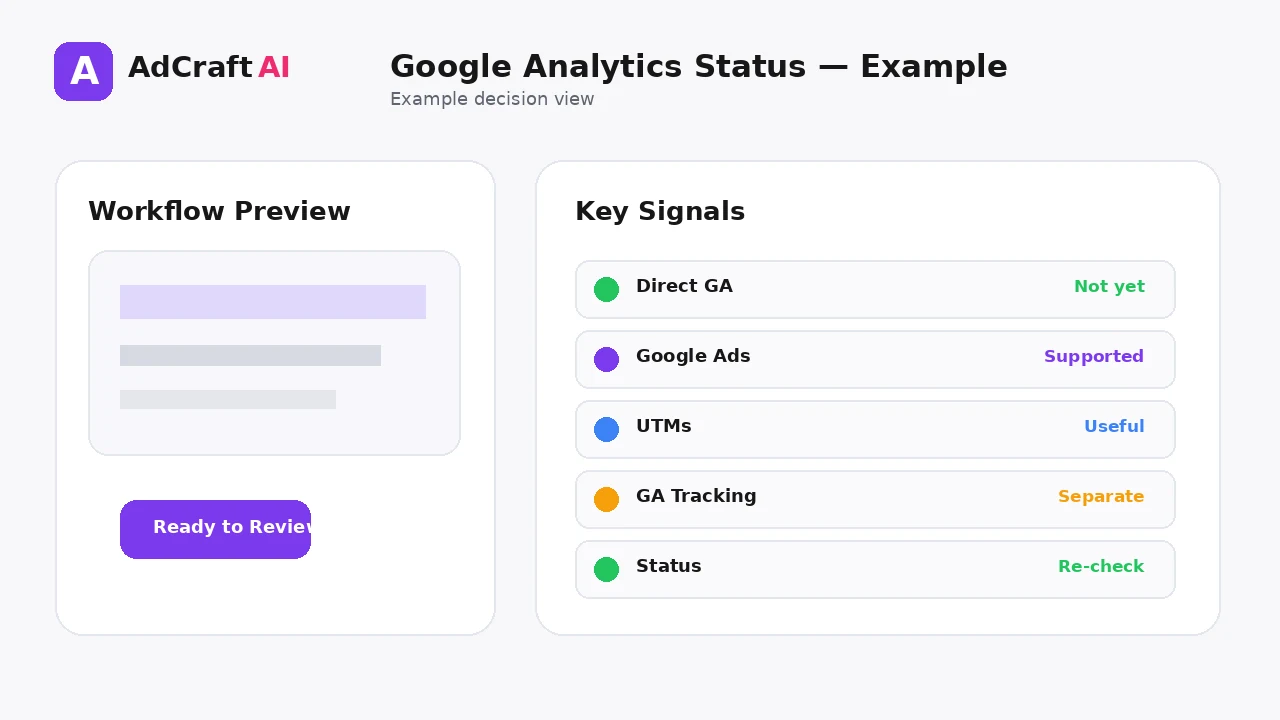
Practical Example: Use GA Without a Direct Integration
Imagine a campaign sends traffic to a product landing page.
Ad platform: Track spend, impressions, clicks and platform-side conversions.
Google Analytics: Review sessions, landing-page engagement and tracked conversion events.
Creative workflow: Keep the same campaign and creative naming in your notes so you can compare the two data sources.
This gives you a workable measurement process without claiming a direct integration that is not currently available.
Common Mistakes
Publishing an outdated integration tutorial
The official help center currently says the direct integration is not possible.
Confusing Google Ads with Google Analytics
They are different products and integrations.
Ignoring UTMs
Campaign traffic becomes harder to identify.
Using inconsistent names
Cross-tool analysis becomes manual and error-prone.
Expecting identical metrics
Analytics and ad platforms can use different attribution and reporting logic.
Failing to re-check status
A “coming soon” integration can change over time.
Best Practices
- Use accurate and current source information.
- Create a small number of meaningful variations before expanding volume.
- Keep brand, offer and landing-page information consistent.
- Use automation and scoring as decision support, not as guarantees.
- Review every asset before delivery or launch.
- Use real campaign or operational data to decide the next iteration.
A Simple Repeatable Workflow
- Define one campaign or workflow goal.
- Prepare accurate source inputs.
- Configure the relevant brand, account or creative settings.
- Generate or complete a small first batch.
- Review accuracy, brand fit and operational risk.
- Deliver or launch only approved assets.
- Measure the result with the appropriate data source.
- Document what worked and what failed.
- Use the learning to improve the next iteration.
Continue Building Your AI Advertising Workflow
Frequently Asked Questions
Can I currently connect Google Analytics directly to AdCreative.ai?
The official help center currently says no.
Does AdCreative.ai say a Google Analytics integration is planned?
Its help article says the request is coming soon.
Can I connect Google Ads?
Yes. Google Ads is listed among the currently supported ad-account integrations.
How can I measure website performance meanwhile?
Keep Google Analytics active independently and use campaign tagging such as UTMs.
Why are Google Ads and Google Analytics different here?
Google Ads is an advertising account; Google Analytics is a web and app analytics platform.
Should I check the official page again later?
Yes. Integration availability can change, so verify current documentation before updating your workflow.
Official Resources
Product features, limits, integrations and plan details can change. Verify the current workflow in the official resources below.
Final Thoughts
The official help center currently says direct Google Analytics integration is not available yet, so keep GA measurement as a separate analytics layer while using supported ad-account integrations.
The strongest AI advertising workflow combines faster production or analysis with human review and real performance data.
Explore More AdCreative.ai Tools
Compare the current features with your actual creative workflow and use the capabilities that remove real production or analysis bottlenecks.
Discover the AI Tool →