CREATIVE SCORING AI GUIDE
How to Predict Ad Performance With AI in 2026
AI can help you compare ad creatives before launch, identify likely weaknesses and decide which variants deserve real media budget first. It is useful as a pre-launch decision tool, not as a crystal ball for exact ROAS or conversions.
Disclosure: This page may contain affiliate links. We may earn a commission at no extra cost to you if you sign up through these links.
Most ad teams still need real campaign data to know whether a creative actually wins. AI performance prediction does not remove that requirement. What it can do is help you rank creatives, detect visual problems and improve weak elements before you spend budget testing every version.
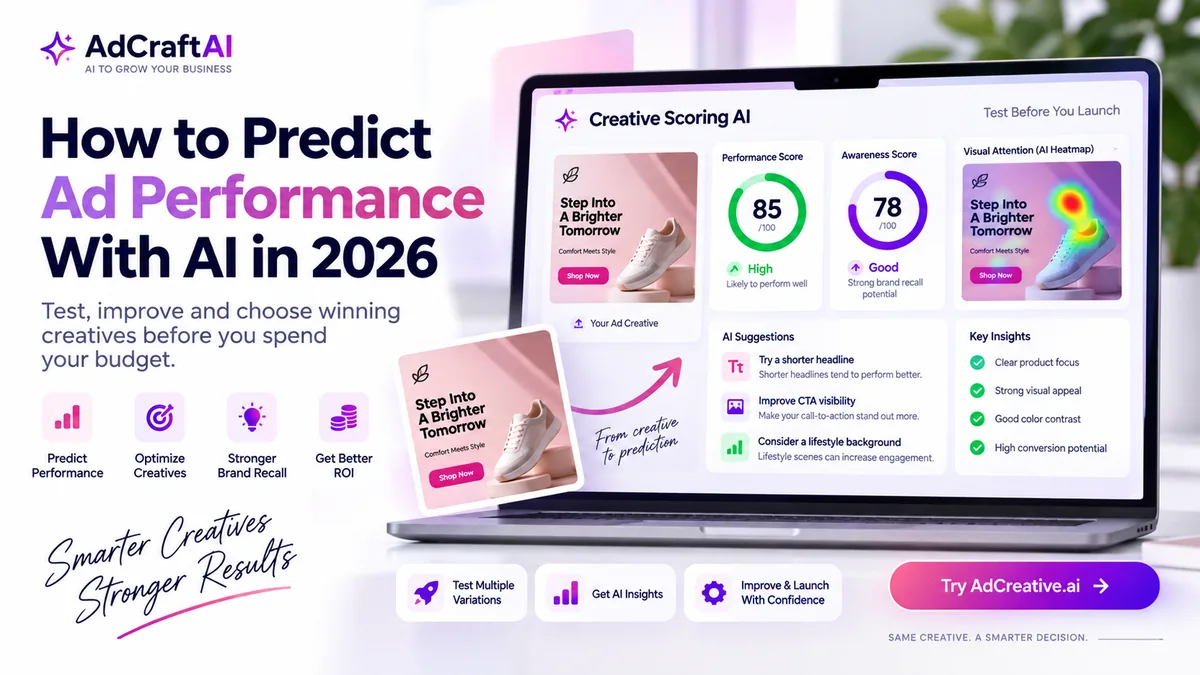
AdCreative.ai's current Creative Scoring AI is built for that pre-launch stage. Its documentation describes a workflow that analyzes hundreds of creative signals and returns a Performance Score, an Awareness Score, a visual attention heatmap and recommended actions.
If you first need stronger source visuals, read our AI product photography guide . For the broader strategy across channels, see our complete AI advertising guide .
What Does Predicting Ad Performance With AI Actually Mean?
AI ad performance prediction compares a new creative with patterns learned from historical advertising data and evaluates signals inside the creative. Depending on the tool, those signals may include visual attention, text placement, branding, product prominence, CTA visibility and layout.
The result is usually a score or ranking. That score is most useful for questions like:
- Which creative should we test first?
- Which version has a clearer visual hierarchy?
- Is the brand visible enough?
- Does the CTA attract enough attention?
- Which creative has obvious weaknesses before launch?
What AI Can and Cannot Predict Before an Ad Launch
This distinction matters. AI creative scoring can estimate how strong a creative appears relative to patterns in historical ad data. It cannot know every variable that will affect your live campaign.
| AI Can Help Estimate | AI Cannot Guarantee |
|---|---|
| Relative creative strength | Your exact CTR |
| Likely attention distribution | Your exact ROAS |
| Brand visibility | Your exact cost per conversion |
| CTA and headline clarity | Audience-market fit |
| Which variants are worth testing first | Future auction conditions |
Best mental model:
Treat AI scoring as a pre-launch filter. It helps reduce obvious creative risk and prioritize stronger options, but live campaign data remains the final judge.
How AdCreative.ai Creative Scoring AI Works
AdCreative.ai's help documentation says Creative Scoring AI evaluates a creative using more than 340 data points together with patterns learned from a large historical ad dataset.
The workflow produces two main scores: a Performance Score and an Awareness Score. The interface can also display a visual heatmap and recommendations for improving the creative.
AdCreative.ai's current marketing page states that its scoring model can predict which creatives will perform better and drive stronger brand recall with over 90% accuracy. That is a vendor-reported claim, not a guarantee that any specific campaign will achieve a particular result.
| Output | What It Helps You Evaluate |
|---|---|
| Performance Score | Relative click-driving potential |
| Awareness Score | Potential brand recall impact |
| Heatmap | Where visual attention is likely to concentrate |
| Recommended Actions | Specific creative changes worth testing |
How to Predict Ad Performance With AI: Step by Step
1. Prepare the Creatives You Actually Want to Compare
Start with realistic candidates. If one ad is a finished design and the others are rough drafts, the comparison will not teach you much.
Keep the same offer and audience where possible. Change meaningful creative variables such as:
- Headline
- Product image
- Background
- CTA placement
- Brand prominence
- Visual hierarchy
2. Open Creative Scoring AI and Create a Project
AdCreative.ai's help center currently instructs users to open Creative Scoring AI, create a project, select the advertising platform and choose the ad objective.
The platform selection matters because the context of a Meta ad, Google display ad or LinkedIn creative is not identical.
3. Upload Multiple Variants
The current help documentation says you can score up to 25 images in a scoring project. You do not need to use all 25. A smaller set of deliberate variations is usually easier to learn from.
Useful first test:
Upload three versions of the same campaign: one product-first, one benefit-first and one offer-first.
4. Compare Performance and Awareness Scores
Do not look at one score in isolation. A direct-response creative may prioritize stronger performance potential, while a brand campaign may care more about memorability and brand presence.
5. Inspect the Heatmap
The heatmap shows predicted areas of visual attention. AdCreative.ai's help documentation explains that red areas represent stronger predicted attention.
Ask whether the attention is going where you want it to go. If the viewer sees a decorative background before the product, headline or CTA, the design may need revision.
6. Read the Recommended Actions
The tool may suggest changes such as shortening a headline, adjusting a CTA, making the logo more prominent or changing an element's visual treatment.
Use those as testable hypotheses, not automatic instructions.
7. Verify Element Detection
AdCreative.ai lets users inspect how the system labels creative elements. If the model misidentifies a logo, headline or other component, you can edit the annotation and rescan the creative.
8. Improve One Variable at a Time
If you change the headline, product image, colors and CTA at the same time, you will not know what caused the score difference.
Make one meaningful change, rescore, and compare the result.
9. Rank the Creatives for Live Testing
Use the scores to decide which creatives deserve budget first. Do not automatically delete every low-scoring concept. Sometimes an unusual creative performs better with a specific audience than a generic scoring model expects.
10. Validate the Prediction With Real Campaign Data
Once the ads are live, compare the AI ranking with actual results. Depending on your objective, that might include CTR, conversions, cost per lead, purchase value or ROAS.
Performance Score vs Awareness Score
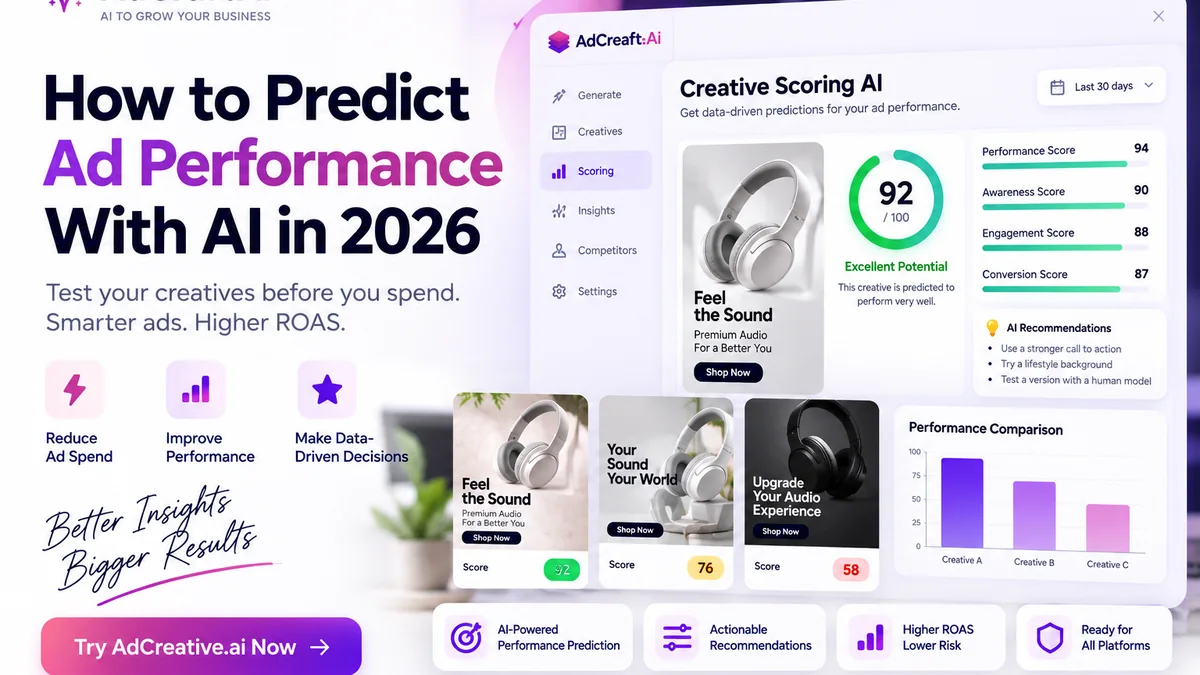
AdCreative.ai separates direct performance potential from brand-awareness potential. That makes the score easier to interpret against the campaign objective.
Performance Score
According to AdCreative.ai's help documentation, the Performance Score is designed to predict click-through-rate potential. It is most relevant when the creative needs to motivate an action.
Awareness Score
The Awareness Score estimates how memorable the creative may be and its potential contribution to brand recall. That matters more when the campaign is trying to build recognition rather than drive an immediate click.
Do not ask: “Which score is more important?”
Ask: “Which score matches the job of this campaign?”
How to Read the AI Attention Heatmap
A heatmap is useful because it turns an abstract score into a visual question: what is likely to attract attention first?
Look for a sensible attention path:
There is no single perfect heatmap for every ad. A branding campaign may want strong logo visibility, while a product ad may want the product and benefit to dominate first.
How to Use AI Recommendations Without Over-Optimizing
Scoring tools are most valuable when recommendations become experiments. They are less useful when every suggestion is applied blindly.
| Suggestion | Useful Test |
|---|---|
| Shorten headline | Compare concise vs detailed message |
| Increase CTA visibility | Compare stronger contrast or placement |
| Make logo more visible | Test stronger brand presence |
| Change background | Compare attention and product separation |
If a recommendation conflicts with your brand guidelines, legal requirements or product truth, do not follow it.
Where AdCreative.ai Fits in This Workflow
Creative Scoring AI is useful after you have multiple ad candidates but before you commit budget to all of them.
You can generate creatives elsewhere or inside AdCreative.ai, then use the scoring workflow to compare, inspect and improve them.
If you want to compare the platform first, read our AdCreative.ai pricing and plans guide .
Score Your Ad Creatives Before Launch
Compare multiple creatives, review performance and awareness scores, inspect attention heatmaps and turn AI recommendations into structured tests.
Discover the AI Tool →
Practical Example: Compare Three Ad Creatives With AI
Imagine an ecommerce brand has three ads for the same sneaker campaign. The audience, product, offer and landing page remain the same.
| Creative | Main Difference |
|---|---|
| A | Large product image with short headline |
| B | Lifestyle background with smaller product |
| C | Offer-first design with stronger CTA |
Step 1: Score All Three
Upload the creatives to one project and compare the Performance Score, Awareness Score and heatmap.
Step 2: Diagnose the Weakest One
Suppose Creative B sends most attention to the background instead of the shoe. That gives you a clear hypothesis: increase product prominence without changing the offer.
Step 3: Re-score the Revision
Increase the product size, simplify the background and keep the headline and CTA unchanged. Then rescore the creative.
Step 4: Launch a Controlled Live Test
Use the AI ranking to choose which versions receive budget first, but validate the result with live campaign data.
Use AI Creative Scoring With Real A/B Testing
AI scoring and A/B testing solve different problems. Scoring helps you decide what is worth testing. Live experiments tell you what actually works with your audience under real auction conditions.
| Stage | Job |
|---|---|
| AI scoring | Filter, rank and improve creatives pre-launch |
| Live A/B test | Validate performance with real audience behavior |
| Iteration | Use actual campaign data to build the next creative round |
Common Mistakes When Predicting Ad Performance With AI
Treating the Score as a Guaranteed Outcome
A high score does not guarantee a specific CTR, conversion rate or ROAS. It is a prediction, not a campaign result.
Comparing Ads With Different Offers
If one creative has a stronger discount and another has no offer, the creative score alone does not isolate the effect of design.
Ignoring the Campaign Objective
A creative optimized for awareness and a creative optimized for direct response should not always be judged by the same priority.
Following Every Recommendation
Recommendations are hypotheses. Keep brand rules, product accuracy and legal constraints above an automated suggestion.
Using Only One Creative
Scoring becomes much more useful when you compare meaningful alternatives.
Skipping Live Validation
Real users, audience targeting, auction conditions, landing-page quality and offer strength still influence performance.
A Simple AI Ad Performance Prediction Workflow
- Prepare several realistic ad candidates.
- Keep the audience, offer and objective consistent.
- Create a Creative Scoring AI project.
- Choose the platform and campaign objective.
- Upload your creative variants.
- Compare Performance and Awareness Scores.
- Inspect the attention heatmap.
- Review AI-recommended actions.
- Correct any misidentified creative elements.
- Improve one variable at a time.
- Re-score and rank the variants.
- Validate the ranking with live campaign data.
Continue Building Your AI Advertising Workflow
- How to Create Product Videos With AI
- How to Analyze Your Ad Performance With AI
- Creative Opportunity Calculator: How Many Ad Creatives Should You Test?
- How to Create Product Photos With AI
- How to Analyze Competitor Ads With AI
- How to Create Buyer Personas With AI
- How to Create Google Ads With AI
- How to Create Facebook Ads With AI
- Complete AI Advertising Guide
Frequently Asked Questions About AI Ad Performance Prediction
Can AI predict whether an ad will perform well?
AI can estimate relative creative strength using patterns learned from historical advertising data. It can help rank creatives before launch, but it cannot guarantee exact live campaign results.
What is Creative Scoring AI?
Creative Scoring AI is AdCreative.ai's pre-launch analysis tool for evaluating ad creatives. It provides Performance and Awareness Scores, a visual heatmap and recommended actions for improvement.
What does the Performance Score predict?
AdCreative.ai's help documentation says its Performance Score is designed to predict click-through-rate potential.
What does the Awareness Score predict?
The Awareness Score estimates potential brand recall and memorability.
What does the heatmap show?
It shows where the system predicts viewer attention will concentrate. This can help you check whether the product, headline, logo and CTA are receiving enough visual attention.
How many creatives can I score at once?
AdCreative.ai's current help article says users can score up to 25 images in a Creative Scoring AI project.
Can Creative Scoring AI predict ROAS?
Do not treat a creative score as an exact ROAS forecast. ROAS also depends on the audience, bid environment, offer, landing page, attribution and conversion economics.
Should I still A/B test after using AI scoring?
Yes. Use AI scoring to prioritize and improve candidates before launch, then validate the strongest ideas with real campaign data.
Does AdCreative.ai claim an accuracy rate?
Yes. AdCreative.ai's current Creative Scoring marketing page states that its predictions can exceed 90% accuracy for identifying better-performing creatives and stronger brand recall. This is the company's own reported claim, not a guarantee for an individual campaign.
Creative Scoring Resources
AI scoring models and product features can change over time. Use the official resources below to confirm the latest workflow and features.
Final Thoughts
AI ad performance prediction is most useful as a decision layer between creative production and media spending.
Use it to remove weak candidates, diagnose attention problems and prioritize stronger variations. Then use real campaign performance to confirm or reject the prediction.
The goal is not to replace testing. It is to make your testing more deliberate before the budget starts moving.
Predict and Improve Your Ad Creatives Before Launch
Creative Scoring AI can help you compare multiple ad candidates, inspect predicted attention and turn recommendations into structured creative tests.
Discover the AI Tool →