CREATIVE OPPORTUNITY CALCULATOR GUIDE
Creative Opportunity Calculator: How Many Ad Creatives Should You Test in 2026?
Estimate whether your current creative-testing pace may be too low for your ad spend, then turn the result into a practical testing cadence.
Disclosure: This page may contain affiliate links. We may earn a commission at no extra cost to you if you sign up through these links.
Teams often ask how many new creatives they should test, but the useful answer depends on spend, current creative volume and the type of business.
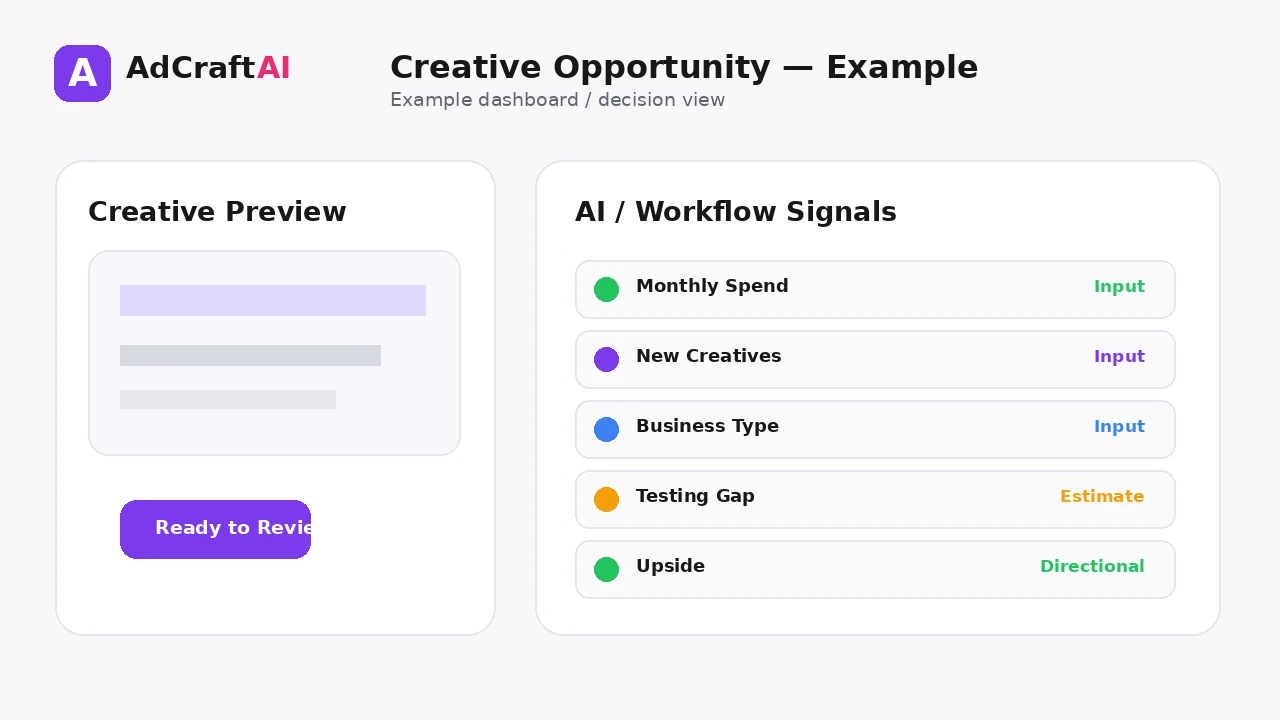
AdCreative.ai's current Creative Opportunity Calculator asks for monthly ad spend, the number of new creatives tested per month and business type. It then presents a Creative Opportunity Snapshot with fields such as Testing Gap, Potential Upside and Recommended Setup.
The calculator is better treated as a planning tool than a universal rule. A testing cadence still depends on audience size, budget, production capacity, platform learning and how quickly fatigue appears.
For the wider strategy around generating, testing and improving advertising assets, see our complete AI advertising guide.
What This Workflow Means in Practice
Estimate whether your current creative-testing pace may be too low for your ad spend, then turn the result into a practical testing cadence.
The goal is not to automate judgment. The goal is to reduce repetitive work while keeping the final campaign accurate, on-brand and measurable.
What Inputs Matter Most?
| Input | Why It Matters |
|---|---|
| Monthly ad spend | Provides scale context for how much creative testing the account may be able to support. |
| New creatives per month | Shows the current pace of creative iteration. |
| Business type | Adds context for the recommended setup. |
| Testing gap | Represents the difference between the current creative pace and the calculator's suggested opportunity. |
| Potential upside | An estimate that should be treated as directional rather than guaranteed. |
| Recommended setup | A suggested production or product configuration based on the calculator inputs. |
What to Prepare Before You Start
- Use a normal monthly spend level rather than an unusual launch month.
- Count genuinely new creative concepts, not tiny text or crop changes.
- Know how often your ads currently fatigue.
- Separate production capacity from the number of ads you can afford to test.
- Measure creative performance with a consistent attribution window.
- Treat calculator outputs as a starting point for planning, not a fixed quota.
Important: Better source inputs reduce the amount of guessing the AI or calculator has to do.
Creative Opportunity Calculator: How Many Ad Creatives Should You Test?: Step by Step
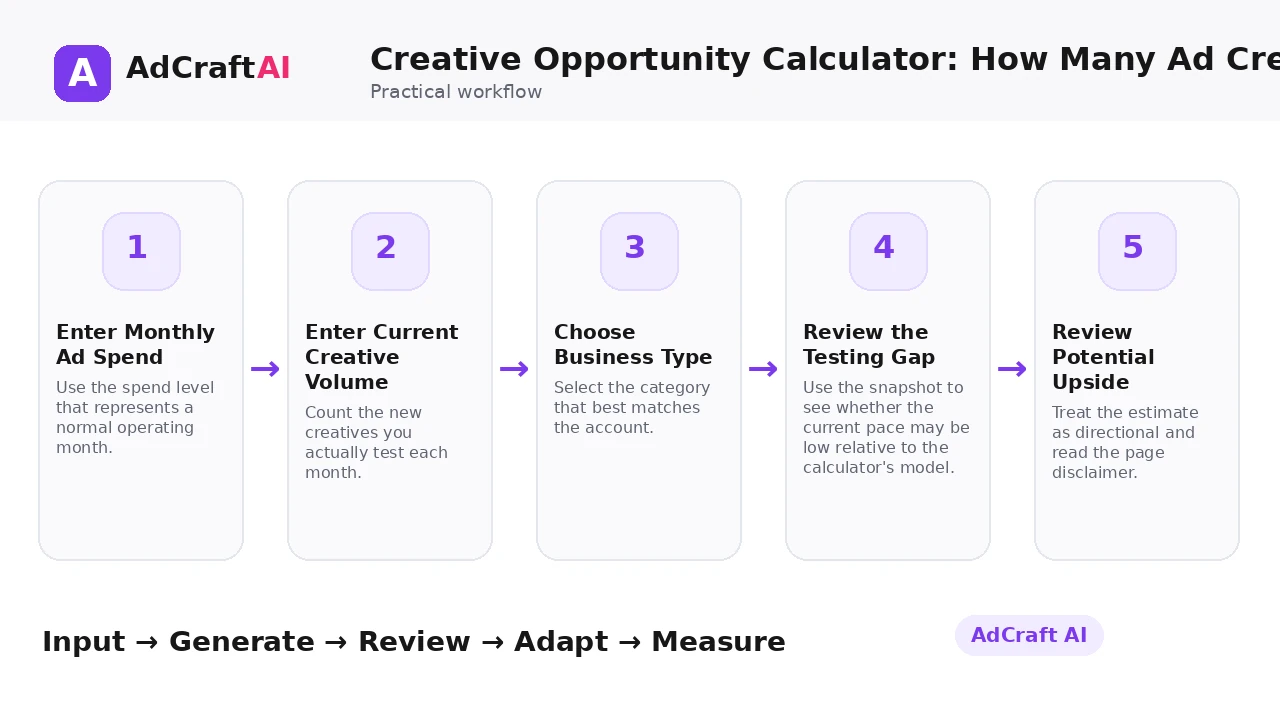
1. Enter Monthly Ad Spend
Use the spend level that represents a normal operating month.
2. Enter Current Creative Volume
Count the new creatives you actually test each month.
3. Choose Business Type
Select the category that best matches the account.
4. Review the Testing Gap
Use the snapshot to see whether the current pace may be low relative to the calculator's model.
5. Review Potential Upside
Treat the estimate as directional and read the page disclaimer.
6. Check Recommended Setup
Compare the suggested setup with your real team capacity and campaign structure.
7. Create a Testing Cadence
Turn the result into a weekly or monthly production plan you can actually sustain.
8. Validate With Performance Data
Increase or reduce creative volume based on fatigue, spend efficiency and learning quality.
What the Creative Opportunity Calculator Currently Measures
AdCreative.ai's current page asks three primary questions: monthly ad spend, how many new creatives are tested per month and business type.
The page then presents a Creative Opportunity Snapshot with Testing Gap, Potential Upside and Recommended Setup fields. Because the page is a planning calculator, use those outputs as estimates rather than promises.
The page also includes an ROI disclaimer that says calculator outputs are informational, may not capture all business factors and do not guarantee financial outcomes.
Explore This AdCreative.ai Workflow
Use the feature as a starting point, review the generated or estimated output carefully, and validate the final decision with your own campaign or operational data.
Explore AdCreative.ai →What to Review Before You Use the Result
| Review Area | What to Check |
|---|---|
| Spend level | Is the monthly spend input representative? |
| True creative count | Are you counting new concepts rather than small edits? |
| Fatigue rate | Does your account actually need more fresh creative at the suggested pace? |
| Budget per test | Can each new creative receive enough delivery to produce useful evidence? |
| Production capacity | Can your team maintain quality at a higher volume? |
| Learning quality | Will additional creatives answer distinct questions or just create noise? |
Practical Example: Turn a Testing Gap Into a Weekly Plan
Imagine an account that spends consistently but only launches a few genuinely new creatives each month.
Step 1: Use the calculator to estimate whether there is a meaningful testing gap.
Step 2: Convert that gap into a realistic weekly target, such as a small number of new concepts rather than dozens of minor edits.
Step 3: Give each concept enough budget and time to learn.
Step 4: Track which angle, format or visual direction produced the learning—not just which individual ad won.
If quality drops as volume rises, the correct answer may be fewer but more meaningful tests.
Common Mistakes
Counting minor edits as new creatives
A color or crop change is not always a new creative hypothesis.
Chasing volume without budget
A large batch is useless if each ad gets too little delivery.
Ignoring fatigue
Some accounts need more fresh creative because winning ads decay quickly.
Using the estimate as a quota
A calculator cannot see every operational constraint in your account.
Testing without a taxonomy
Tag hooks, angles, formats and offers so the added volume creates learning.
Scaling production before the workflow is ready
More creatives can create review and QA problems when the process is weak.
Best Practices
- Use accurate source information and current offers.
- Generate a small number of meaningful variations before expanding volume.
- Change one important variable at a time when testing.
- Keep the final creative consistent with the landing page and brand.
- Use AI scores, calculators or suggestions as decision support rather than guarantees.
- Let live campaign data determine the next creative iteration.
A Simple Repeatable Workflow
- Define one campaign or production goal.
- Prepare the source inputs.
- Generate or configure a small first batch.
- Review accuracy, hierarchy and brand fit.
- Edit or remove weak variations.
- Adapt the strongest version for the target placement.
- Run a controlled test or operational check.
- Measure the result.
- Use what you learned to create the next iteration.
Continue Building Your AI Advertising Workflow
Frequently Asked Questions
What does the Creative Opportunity Calculator ask for?
The current page asks for monthly ad spend, number of new creatives tested per month and business type.
What is a creative testing gap?
It is the difference between your current creative-testing pace and the opportunity estimated by the calculator's model.
Does it tell me the exact number of creatives I must test?
Treat the output as planning guidance, not a universal rule. Your budget, fatigue and production capacity still matter.
What counts as a new creative?
For useful testing, count a meaningfully different concept, hook, visual direction or format rather than every small edit.
What is potential upside?
It is an estimated opportunity shown by the calculator. It should not be treated as a guaranteed performance increase.
How should I use the result?
Convert it into a sustainable weekly or monthly testing plan and validate the cadence with real campaign data.
Official Resources
Product features, limits and calculator assumptions can change. Use the official resources below to verify the current workflow before relying on a specific capability.
Final Thoughts
Estimate whether your current creative-testing pace may be too low for your ad spend, then turn the result into a practical testing cadence.
The strongest workflow combines faster production or analysis with human review and real performance data. Use AI to create more useful options—not to remove accountability from the final decision.
Explore More AdCreative.ai Tools
Compare the workflow with your current creative process and use the features that remove genuine production or analysis bottlenecks.
Discover the AI Tool →