ADCREATIVE.AI PRO GUIDE
AdCreative.ai Pro Features Explained in 2026
Understand which advanced workflows AdCreative.ai currently labels as Pro, what they are for and when additional production capability may justify a higher-tier plan.
Disclosure: This page may contain affiliate links. We may earn a commission at no extra cost to you if you sign up through these links.
AdCreative.ai uses “Pro” to group advanced creative-production and campaign-management capabilities available on higher-tier plans.
Its current Why Go Pro page lists Fashion Videoshoots, Blog Videos, Ad Videos, Batch Creatives, Compliance Checker, Product Videos, Custom Templates and Connected TV Ads as Pro features.
Plan availability and limits can change, so this guide focuses on the currently documented feature categories rather than assuming every account sees the same limits forever.
For the wider strategy around generating, testing and improving advertising assets, see our complete AI advertising guide.
What This Workflow Means in Practice
Understand which advanced workflows AdCreative.ai currently labels as Pro, what they are for and when additional production capability may justify a higher-tier plan.
The goal is to reduce repetitive work while keeping the final campaign, integration or business decision accurate and measurable.
What Inputs Matter Most?
| Input | Why It Matters |
|---|---|
| Creative volume | Higher-volume teams benefit more from batch and automation features. |
| Video demand | Several Pro features expand video-generation options. |
| Template reuse | Custom Templates matter when the same brand system produces many ads. |
| Compliance needs | Compliance Checker can add a pre-launch review layer. |
| Team workflow | Pro plans are positioned toward larger or higher-volume teams. |
| Plan limits | Credits, brands, users and billing should be checked on the live pricing page. |
What to Prepare Before You Start
- List the Pro features you would actually use.
- Measure current monthly creative volume.
- Separate “nice to have” features from workflow bottlenecks.
- Check current plan limits and billing directly on the pricing page.
- Estimate whether saved production time has real business value.
- Test the workflow before making a longer billing commitment.
Important: Better source information reduces the amount of guessing in the workflow.
AdCreative.ai Pro Features Explained: Step by Step
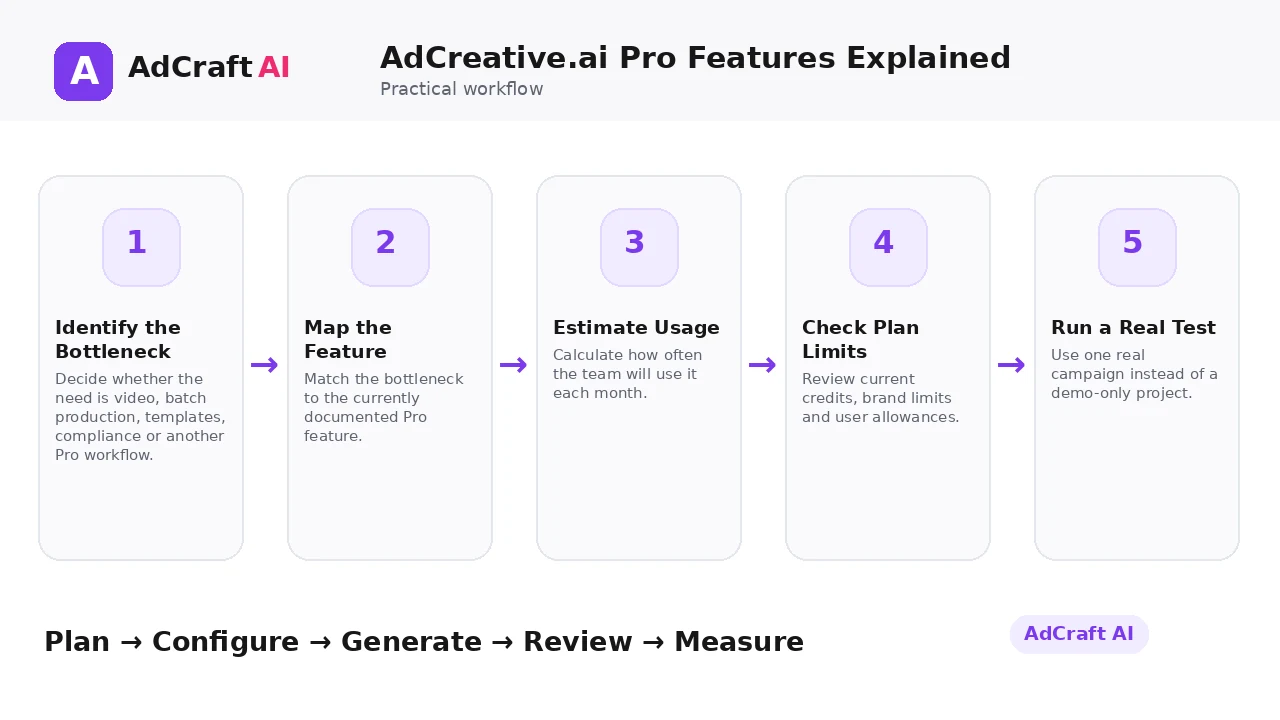
1. Identify the Bottleneck
Decide whether the need is video, batch production, templates, compliance or another Pro workflow.
2. Map the Feature
Match the bottleneck to the currently documented Pro feature.
3. Estimate Usage
Calculate how often the team will use it each month.
4. Check Plan Limits
Review current credits, brand limits and user allowances.
5. Run a Real Test
Use one real campaign instead of a demo-only project.
6. Measure Time Saved
Compare the workflow with the current manual process.
7. Review Output Quality
Count how many generated assets are actually usable.
8. Decide From Usage
Choose a plan based on real value, not feature count alone.
Which Features Are Currently Listed as AdCreative.ai Pro?
AdCreative.ai’s current Why Go Pro page lists these Pro workflows: Fashion Videoshoots, Blog Videos, Ad Videos, Batch Creatives, Compliance Checker, Product Videos, Custom Templates and Connected TV Ads.
The page also discusses product and storytelling videos, stock-video tools, buyer personas, creative scoring and competitor insights as part of the broader Pro-oriented workflow.
Current plan tables show Pro Features on Professional and Ultimate tiers. Because pricing and limits change, verify the live pricing page before choosing a subscription.
Explore the Current AdCreative.ai Workflow
Use the feature as a starting point, verify the current interface and plan details, and review every output before it becomes part of a live campaign.
Explore AdCreative.ai →What to Review Before You Use the Result
| Review Area | What to Check |
|---|---|
| Feature fit | Which Pro feature solves a real recurring problem? |
| Usage frequency | Will the team use it every week or only occasionally? |
| Asset quality | What percentage of outputs are actually usable? |
| Credits and limits | Do current plan limits match real volume? |
| Team access | Are enough users and brands included? |
| Cost vs time | Does saved production time justify the upgrade? |
Practical Example: When Pro Features Start to Matter
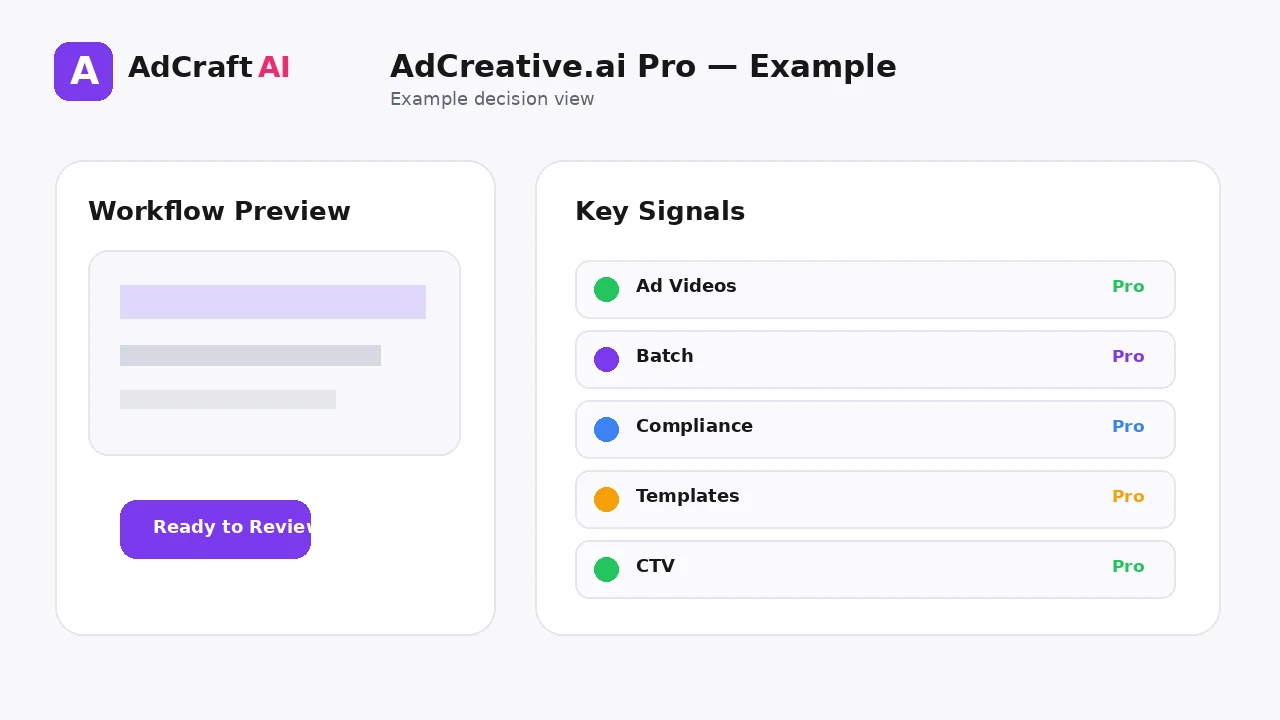
Imagine a marketing team already creates static ads successfully but now needs more short-form video and standardized variations.
Video bottleneck: Ad Videos and Product Videos become relevant.
Scale bottleneck: Batch Creatives and Custom Templates can reduce repetitive work.
Review bottleneck: Compliance Checker adds another pre-launch check.
The upgrade decision should be based on how often those bottlenecks occur and how much time the workflows save.
Common Mistakes
Upgrading for one rarely used feature
Plan value depends on repeated use.
Ignoring current limits
Credits, brands and users can change by plan and billing period.
Assuming Pro means automatic performance
Advanced tools still require good inputs and testing.
Skipping QA because compliance exists
Automated checks should complement human review.
Generating batches without test design
Batch production needs a clear variation strategy.
Using pricing screenshots as permanent truth
Always verify the live page before purchase.
Best Practices
- Use accurate and current source information.
- Create a small number of meaningful variations before expanding volume.
- Keep brand, offer and landing-page information consistent.
- Use automation and scoring as decision support, not as guarantees.
- Review every asset before delivery or launch.
- Use real campaign or operational data to decide the next iteration.
A Simple Repeatable Workflow
- Define one campaign or workflow goal.
- Prepare accurate source inputs.
- Configure the relevant brand, account or creative settings.
- Generate or complete a small first batch.
- Review accuracy, brand fit and operational risk.
- Deliver or launch only approved assets.
- Measure the result with the appropriate data source.
- Document what worked and what failed.
- Use the learning to improve the next iteration.
Continue Building Your AI Advertising Workflow
Frequently Asked Questions
What does AdCreative.ai currently call a Pro feature?
Its current Why Go Pro page lists advanced video, batch, compliance, template and Connected TV workflows among Pro features.
Are Ad Videos a Pro feature?
Yes, the current Pro page labels Ad Videos as Pro.
Are Custom Templates included in Pro?
The current Pro page labels Custom Templates as a Pro feature.
Does Pro include Compliance Checker?
The Why Go Pro page currently lists Compliance Checker as Pro.
Which plans show Pro Features?
Current plan tables show Pro Features on Professional and Ultimate plans.
Should I upgrade just because I need more features?
Base the decision on real usage, plan limits, time saved and output quality.
Official Resources
Product features, limits, integrations and plan details can change. Verify the current workflow in the official resources below.
Final Thoughts
Understand which advanced workflows AdCreative.ai currently labels as Pro, what they are for and when additional production capability may justify a higher-tier plan.
The strongest AI advertising workflow combines faster production or analysis with human review and real performance data.
Explore More AdCreative.ai Tools
Compare the current features with your actual creative workflow and use the capabilities that remove real production or analysis bottlenecks.
Discover the AI Tool →