AI PRODUCT VIDEO GUIDE
How to Create Product Videos With AI in 2026
AI product video tools can turn a clean product image into short video variations for ecommerce, social media and paid advertising without starting with a traditional video shoot. The key is to control the visual direction, keep the real product accurate and test the final creative in context.
Disclosure: This page may contain affiliate links. We may earn a commission at no extra cost to you if you sign up through these links.
Product videos are useful because they can show motion, scale, context and visual energy that a static image cannot. The challenge is production: filming, lighting, editing and creating enough variations for different channels can take time.
AI changes the workflow. Instead of starting with a camera crew, you can start with a strong product image, define the style and movement, generate several short videos, review the product carefully and export the strongest versions.
This guide focuses on that workflow. If you need the source images first, read our AI product photography guide . For the wider creative system, see our AI advertising guide .
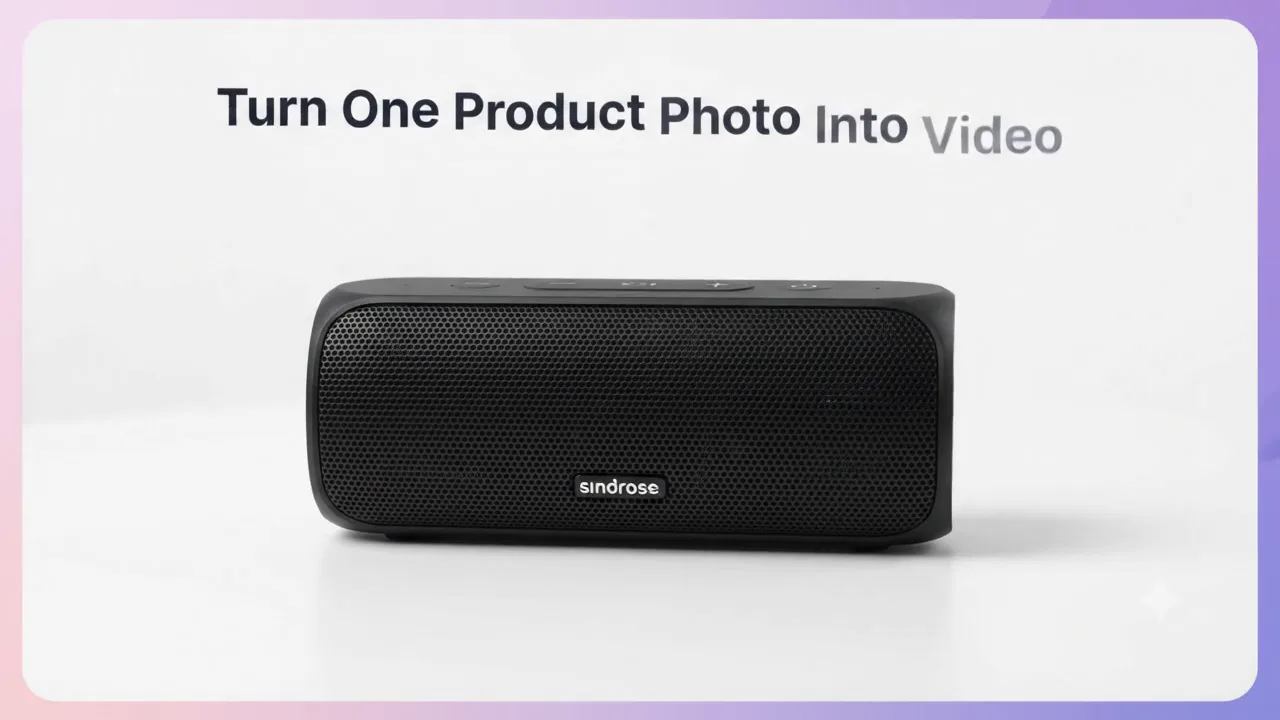
Quick Demo: Turn One Product Photo Into an AI Video
This short walkthrough summarizes the core process before we break down each step in detail.
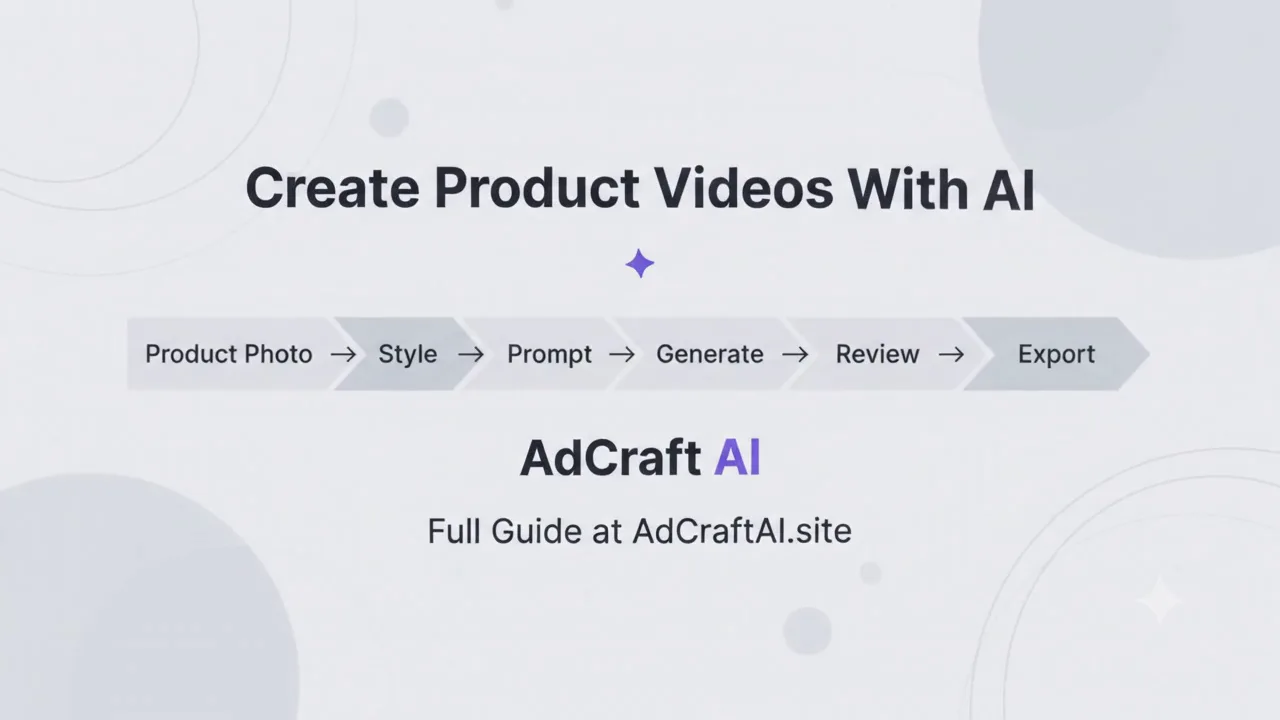
Product Photo → Style → Prompt → Generate → Review → Export
What Does an AI Product Video Generator Actually Do?
An AI product video generator uses a product image as the starting point and creates motion around it. Depending on the tool, that can include camera movement, lighting changes, background animation, scene changes and different visual styles.
AdCreative.ai currently describes Product Videoshoots as a workflow that can turn a single product image into ready-to-use product video variations for ecommerce listings, social media and performance campaigns.
What You Need Before You Create AI Product Videos
Better inputs make it easier to protect product accuracy and create usable motion. Prepare the product image and the creative goal before you generate anything.
- Use a sharp, well-lit source image.
- Keep the full product visible.
- Make sure logos, labels and packaging details are readable.
- Choose the target channel before deciding the video style.
- Know whether the video should feel like a product demo, lifestyle clip or ad creative.
Important:
AI should animate the presentation without silently redesigning the item. If the output changes the product shape, color, label, packaging or included accessories, treat that version as inaccurate.
How to Create Product Videos With AI: Step by Step
1. Start With One Accurate Product Image
Choose a source image that represents the real item clearly. A clean front or three-quarter angle usually gives the AI more useful information than a heavily cropped photo.
2. Decide What the Video Needs to Do
Do not generate a video before you know its job. A product-page clip, social post and paid ad may need different pacing and framing.
| Video Type | Main Goal |
|---|---|
| Clean product video | Show the item clearly with controlled movement |
| Lifestyle video | Place the item in a believable visual context |
| Paid ad creative | Capture attention quickly and support a campaign message |
| Social content | Create short, visually engaging brand content |
3. Choose a Style or Visual Direction
A clear style gives the AI a consistent target. For example, you might choose a clean studio look, a lifestyle scene, a product-ad direction or a social-first visual treatment.
4. Write a Motion-Focused Prompt
A useful product video prompt describes more than appearance. It should also describe movement, pacing, camera behavior and what must remain unchanged.
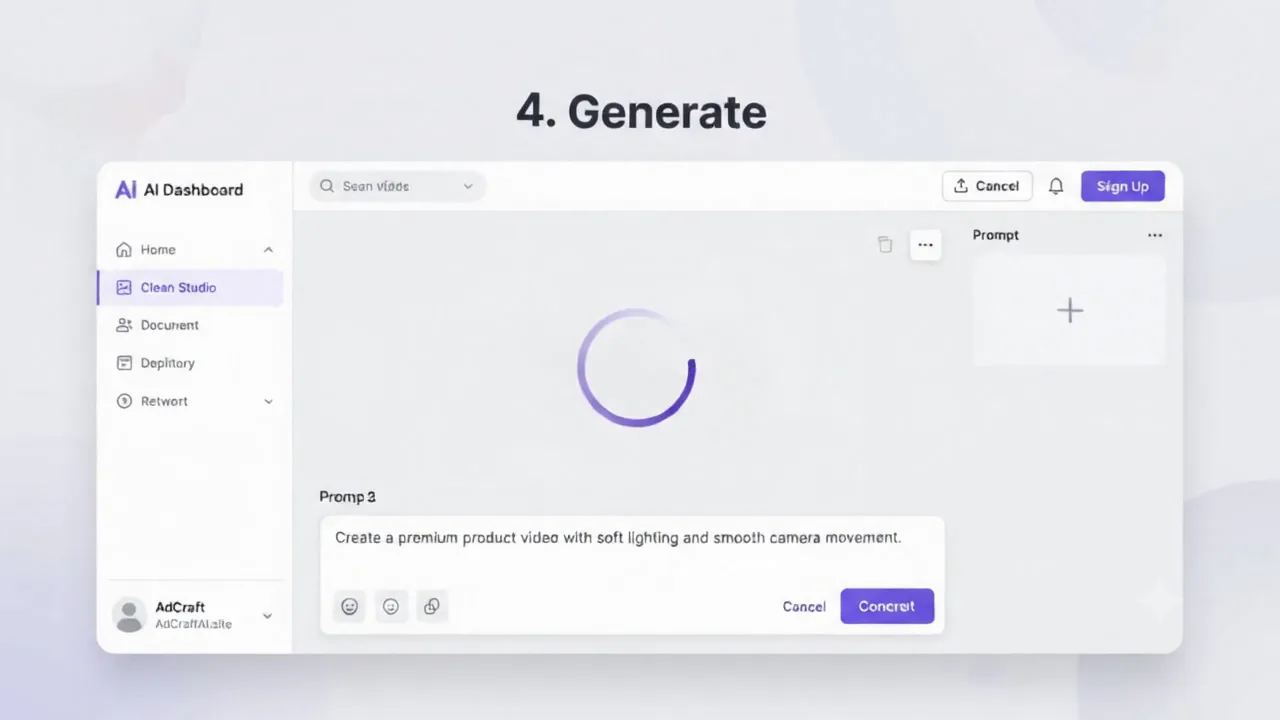
Create a premium product video with soft studio lighting, a slow camera push-in, subtle reflections and smooth motion. Keep the product design, label, colors and proportions unchanged.
5. Generate Several Controlled Variations
Do not judge the entire workflow from one generation. Create a small number of variations using the same product image and goal. Change one creative variable at a time when possible.
6. Review Product Accuracy Before Motion Quality
Smooth animation is not useful if the product is wrong. Pause the video at several points and inspect the details that define the item.
- Shape and proportions
- Logo and label
- Colors
- Materials and textures
- Buttons, ports, caps or accessories
- Packaging details
7. Compare the Variations
Compare each version against the same creative goal. One version may have better camera motion, while another may preserve the product more accurately or leave better room for ad copy.
8. Export for the Final Channel
Export the strongest version in a format that matches where it will be used. Keep a high-quality master when possible, then create channel-specific copies.
9. Test What Actually Performs
The most cinematic version is not automatically the best-performing ad. Use real campaign data to decide which creative direction deserves more variations. For a structured pre-launch creative review, see our guide to predicting ad performance with AI .
How AdCreative.ai Product Videoshoots Work
AdCreative.ai's Product Videoshoots feature is designed around creating product video variations from a single source image. Its current product page says users can upload a product photo, choose a style or add a custom prompt, then generate videos for ecommerce, advertising and social use.
The feature also highlights controls around motion, pacing, camera movement and style. That makes it useful when the objective is not just to animate an image, but to generate several controlled visual directions from the same product.
AdCreative.ai also says its workflow can use the chosen objective and product URL context to help tailor recommendations. Treat those recommendations as creative inputs, then review the final output against the real product before publishing.
Turn One Product Image Into Video Variations
Explore AI product-video generation alongside broader creative tools for ecommerce and advertising.
Discover the AI Tool →Product Video Prompt Examples
Strong prompts describe the scene and the motion while protecting the product itself.
Clean Studio Video Prompt
Create a clean studio product video on a warm-white background. Use soft diffused lighting, a slow camera push-in and a subtle realistic shadow. Keep the product shape, label, colors and proportions exactly the same.
Lifestyle Video Prompt
Place this product in a minimal modern living-room setting with soft natural light. Use a gentle side-to-side camera move and subtle background depth. Keep the product fully visible and do not change its branding or physical design.
Advertising Video Prompt
Create a high-impact product ad with controlled purple and pink accent lighting, a smooth camera orbit and clean negative space for ad copy. Keep the real product design unchanged and avoid exaggerated motion.
How to Protect Product Accuracy in AI-Generated Videos
Product fidelity matters even more in video because errors can appear only during certain frames. Review the clip from beginning to end and pause at key moments.
| Check | What to Verify |
|---|---|
| Shape | Silhouette, proportions and geometry stay stable |
| Branding | Logo, label and packaging text do not change |
| Color | Product colors remain consistent as lighting moves |
| Materials | Metal, fabric, glass, leather or plastic still look plausible |
| Motion | The product does not bend, melt or morph unnaturally |
Product Videos for Ecommerce, Social Media and Paid Ads
One source image can support several video directions, but the final edit should match the channel.
| Channel | Creative Priority |
|---|---|
| Ecommerce product page | Clarity, product detail and controlled movement |
| Social media | Fast visual interest and channel-friendly framing |
| Paid social ad | Strong opening, clear product focus and room for messaging |
| YouTube ad | Clear sequence, pacing and strong early product recognition |
If you are building video ads specifically for YouTube, continue with our YouTube Ads With AI guide . For short-form social creative, see our TikTok Ads With AI guide .
Practical Example: Turn One Speaker Photo Into Three Video Variations
Imagine you have one clean product image of a black wireless speaker. You want three videos from the same source asset.
Version 1: Clean Studio
Scene: Warm-white studio background
Motion: Slow push-in
Lighting: Soft controlled highlights
Goal: Product-page clarity
Version 2: Lifestyle
Scene: Modern living-room shelf
Motion: Gentle side movement
Lighting: Natural window light
Goal: Show the speaker in context
Version 3: Advertising Creative
Scene: Minimal dark-to-light gradient environment
Motion: Faster reveal followed by a stable hero frame
Lighting: Controlled brand-color accents
Goal: Paid-ad creative testing
How to Test AI Product Video Variations
Test deliberate differences instead of generating dozens of random clips. Keep the product and offer stable while changing one creative factor at a time.
| Test | Example |
|---|---|
| Opening frame | Immediate product close-up vs wider scene |
| Camera movement | Slow push-in vs subtle orbit |
| Environment | Studio vs lifestyle |
| Pacing | Calm premium motion vs faster ad-focused rhythm |
Common Mistakes When Creating Product Videos With AI
Starting With a Weak Product Image
Blurry or heavily stylized source images give the model more room to guess.
Using Appearance-Only Prompts
Describe motion and camera behavior, not only the background and mood.
Letting the Product Morph
Watch for labels changing, edges bending, buttons moving or proportions shifting during the clip.
Generating Too Many Uncontrolled Variations
Start with a small, structured set so you can understand which variable actually improved the result.
Publishing Without Full Playback Review
A thumbnail can look correct even when the middle frames contain errors. Watch every final export from start to finish.
A Simple AI Product Video Workflow
- Choose one accurate product image.
- Define the final channel and creative goal.
- Choose a visual style.
- Write a motion-focused prompt.
- Generate a small number of variations.
- Review shape, branding, color and materials.
- Compare camera movement and pacing.
- Export the strongest version.
- Adapt it for the final placement.
- Use campaign data to guide the next creative iteration.
Continue Building Your AI Advertising Workflow
Product video is one part of the creative system. These guides can help with the next steps.
- How to Analyze Your Ad Performance With AI
- How to Create AI Ad Videos
- How to Create UGC Video Ads With AI
- How to Create Storytelling Video Ads With AI
- How to Create Fashion Videos With AI
- How to Write Ad Copy With AI
- How to Generate AI Images for Ads
- How to Create AI Fashion Photoshoots
- How to Turn a Website Into Ads With AI
- How to Create Product Photos With AI
- How to Predict Ad Performance With AI
- How to Analyze Competitor Ads With AI
- How to Create YouTube Ads With AI
- How to Create Google Ads With AI
- Complete AI Advertising Guide
Frequently Asked Questions About AI Product Videos
Can AI create a product video from one image?
Yes. Product-video tools can use a single source image to generate short motion-based variations. The results should still be reviewed for product accuracy before publishing.
What is the best source image for an AI product video?
Use a sharp, well-lit image that clearly shows the real product, branding, shape, color and important details.
Can AdCreative.ai create product videos?
Yes. AdCreative.ai currently offers Product Videoshoots, a feature designed to generate product-video variations from a product image using styles or custom prompts.
Can I use AI product videos for ecommerce?
Yes, provided the video accurately represents the product and follows the requirements of the store, marketplace or advertising platform where it will be published.
Can AI product videos replace a traditional shoot?
They can reduce the need for some types of production, especially for creative variations and quick testing. Traditional filming can still be valuable when exact physical behavior, scale or detailed demonstrations matter.
How do I stop AI from changing my product?
Start with a clear source image, state what must remain unchanged in the prompt and inspect the full clip for changes to labels, shape, colors, proportions and materials.
How many video variations should I generate?
Start with a small controlled set. Compare a few deliberate differences, identify the strongest direction and expand from there if needed.
AI Product Video Resources
AI video features change quickly. Use official resources to confirm current capabilities before building a production workflow around them.
Final Thoughts
AI product video generation is most useful when it turns accurate source images into controlled creative variations without changing what the customer is actually buying.
Start with a strong product image, define the goal, describe the motion clearly, generate a small set of variations and review every frame before publishing. The goal is not to create the most videos. It is to create a smaller set of accurate videos that are worth testing.
Create Product Videos With AI
If you already have an accurate product image, AI can help turn it into studio, lifestyle and advertising-ready video variations.
AdCreative.ai includes Product Videoshoots alongside broader advertising creative tools.
Discover the AI Tool →