ECOMMERCE AI ADS GUIDE
How Ecommerce Brands Can Create Ads With AI in 2026
Turn product assets into a repeatable ecommerce creative system: product photos, video, ad copy, variants, testing and post-launch learning.
Disclosure: This page may contain affiliate links. We may earn a commission at no extra cost to you if you sign up through these links.
Ecommerce advertising creates a recurring demand for fresh product visuals, different offers, multiple placements and new hooks.
AdCreative.ai’s current ecommerce use-case page centers on turning product photos into AI-generated photoshoots and advertising creatives, alongside broader image, copy, scoring and analysis tools.
The best ecommerce workflow treats AI as a production system around accurate product assets—not as permission to change what the customer is actually buying.
For the wider strategy around generating, testing and improving advertising assets, see our complete AI advertising guide.
What This Workflow Means in Practice
Turn product assets into a repeatable ecommerce creative system: product photos, video, ad copy, variants, testing and post-launch learning.
The goal is to reduce repetitive work while keeping the final campaign, integration or business decision accurate and measurable.
What Inputs Matter Most?
| Input | Why It Matters |
|---|---|
| Product image | The real product should remain visually accurate. |
| Catalog context | Product name, benefits, price and current offer. |
| Landing page | The ad promise should match the product page. |
| Creative angle | Benefit, use case, offer, social proof or problem. |
| Placement | Controls ratio and message density. |
| Performance data | Guides the next product and creative variation. |
What to Prepare Before You Start
- Use accurate, high-resolution product images.
- Confirm current prices and offers.
- Choose the product-page destination first.
- Define 2–4 creative angles per product.
- Decide which formats need static images versus video.
- Plan how winning creative patterns will be reused across the catalog.
Important: Better source information reduces the amount of guessing in the workflow.
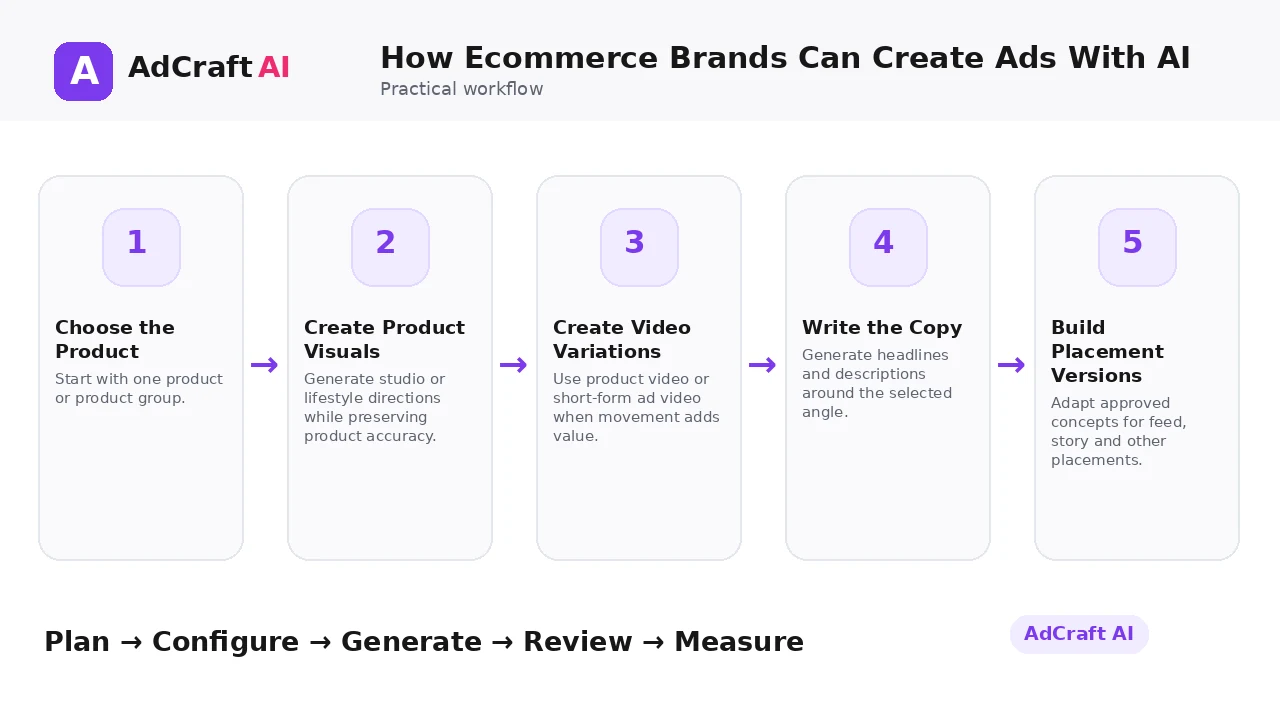
How Ecommerce Brands Can Create Ads With AI: Step by Step
1. Choose the Product
Start with one product or product group.
2. Create Product Visuals
Generate studio or lifestyle directions while preserving product accuracy.
3. Create Video Variations
Use product video or short-form ad video when movement adds value.
4. Write the Copy
Generate headlines and descriptions around the selected angle.
5. Build Placement Versions
Adapt approved concepts for feed, story and other placements.
6. Review Accuracy
Check price, label, color, packaging and product claims.
7. Launch the Test
Run a small set of meaningful variations.
8. Scale the Pattern
Apply winning creative structures to additional products carefully.
How AdCreative.ai Positions Its Ecommerce Workflow
AdCreative.ai’s current ecommerce page says its workflow can turn product photos into AI-generated photoshoots and high-ROI ads. It also highlights AI image generation, creative scoring and broader ad-production features.
Those performance claims are the company’s own marketing claims. Ecommerce teams should validate every creative through their own account data.
The strongest operational use is catalog acceleration: create repeatable visual and copy systems while protecting product fidelity and landing-page consistency.
Explore the Current AdCreative.ai Workflow
Use the feature as a starting point, verify the current interface and plan details, and review every output before it becomes part of a live campaign.
Explore AdCreative.ai →What to Review Before You Use the Result
| Review Area | What to Check |
|---|---|
| Product fidelity | Does the creative show the real item accurately? |
| Price and offer | Are commercial details current? |
| Landing-page match | Does the destination support the same promise? |
| Mobile hierarchy | Can the product and benefit be understood quickly? |
| Creative fatigue | Is performance declining as audiences see the asset repeatedly? |
| Catalog learning | Can winning patterns be reused across related SKUs? |
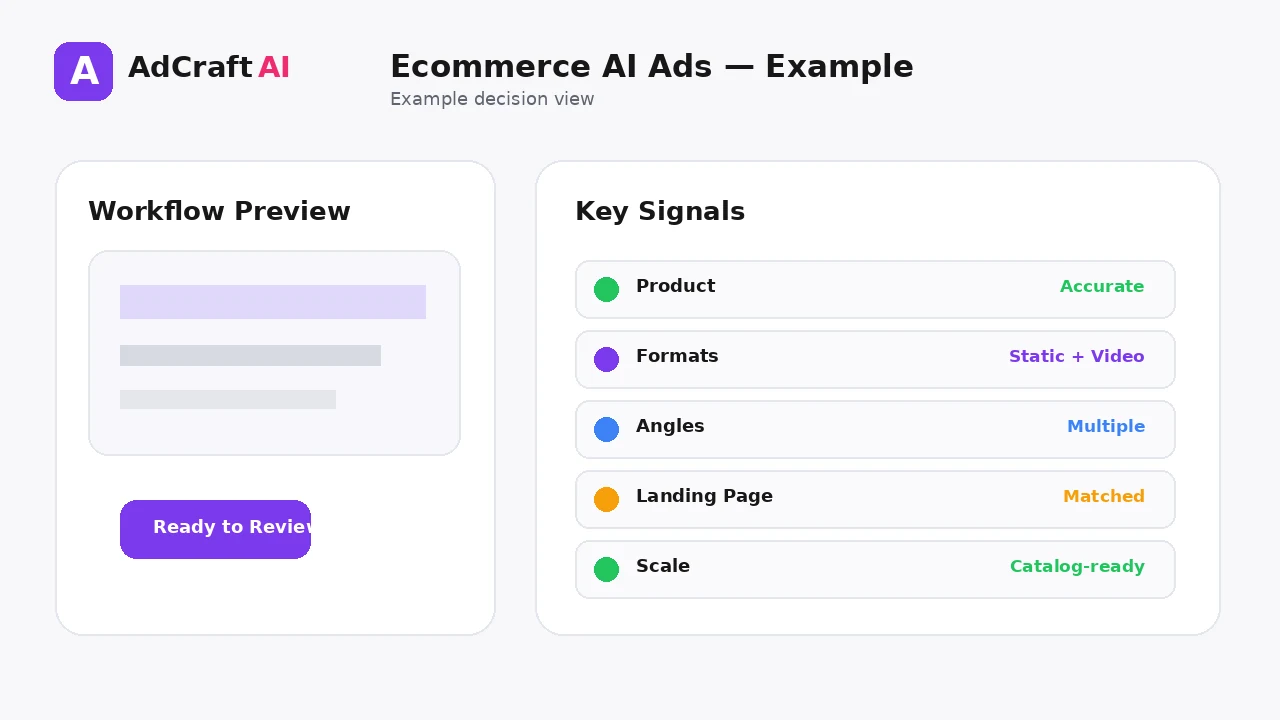
Practical Example: One Product, Four Ecommerce Creatives
Imagine an online store launching a new desk lamp.
Creative 1: Clean product-first studio visual.
Creative 2: Lifestyle use case on a compact workspace.
Creative 3: Short product video showing the light modes.
Creative 4: Offer-led ad using the same accurate product asset.
Keep the destination page stable and learn which angle changes shopper behavior.
Common Mistakes
Changing the product visually
AI should not redesign the item the customer receives.
Using outdated offers
Generated copy can become inaccurate when prices change.
Treating every SKU independently
Winning creative structures can often be reused with controlled adaptation.
Overproducing before testing
Generate enough to learn, not enough to fill storage.
Ignoring video
Some products benefit from motion, scale or demonstration.
Measuring only click-through rate
Ecommerce performance ultimately depends on downstream purchase behavior.
Best Practices
- Use accurate and current source information.
- Create a small number of meaningful variations before expanding volume.
- Keep brand, offer and landing-page information consistent.
- Use automation and scoring as decision support, not as guarantees.
- Review every asset before delivery or launch.
- Use real campaign or operational data to decide the next iteration.
A Simple Repeatable Workflow
- Define one campaign or workflow goal.
- Prepare accurate source inputs.
- Configure the relevant brand, account or creative settings.
- Generate or complete a small first batch.
- Review accuracy, brand fit and operational risk.
- Deliver or launch only approved assets.
- Measure the result with the appropriate data source.
- Document what worked and what failed.
- Use the learning to improve the next iteration.
Continue Building Your AI Advertising Workflow
Frequently Asked Questions
Can AI create ecommerce product visuals?
Yes. AdCreative.ai currently markets AI product photoshoot and ecommerce creative workflows.
Can it create product videos too?
AdCreative.ai currently offers Product Videoshoots and other video-generation workflows.
Should AI change my product design?
No. Product fidelity is essential for ecommerce advertising.
How many creative angles should I test?
Start with a few distinct hypotheses such as product-first, use-case, problem and offer.
Can winning patterns scale across a catalog?
Yes, when the products are related and the creative structure still fits each item.
Does AI guarantee better ROAS?
No. Use vendor claims as product marketing and validate with your own campaign and revenue data.
Official Resources
Product features, limits, integrations and plan details can change. Verify the current workflow in the official resources below.
Final Thoughts
Turn product assets into a repeatable ecommerce creative system: product photos, video, ad copy, variants, testing and post-launch learning.
The strongest AI advertising workflow combines faster production or analysis with human review and real performance data.
Explore More AdCreative.ai Tools
Compare the current features with your actual creative workflow and use the capabilities that remove real production or analysis bottlenecks.
Discover the AI Tool →