AI PRODUCT PHOTOGRAPHY GUIDE
How to Create Product Photos With AI in 2026
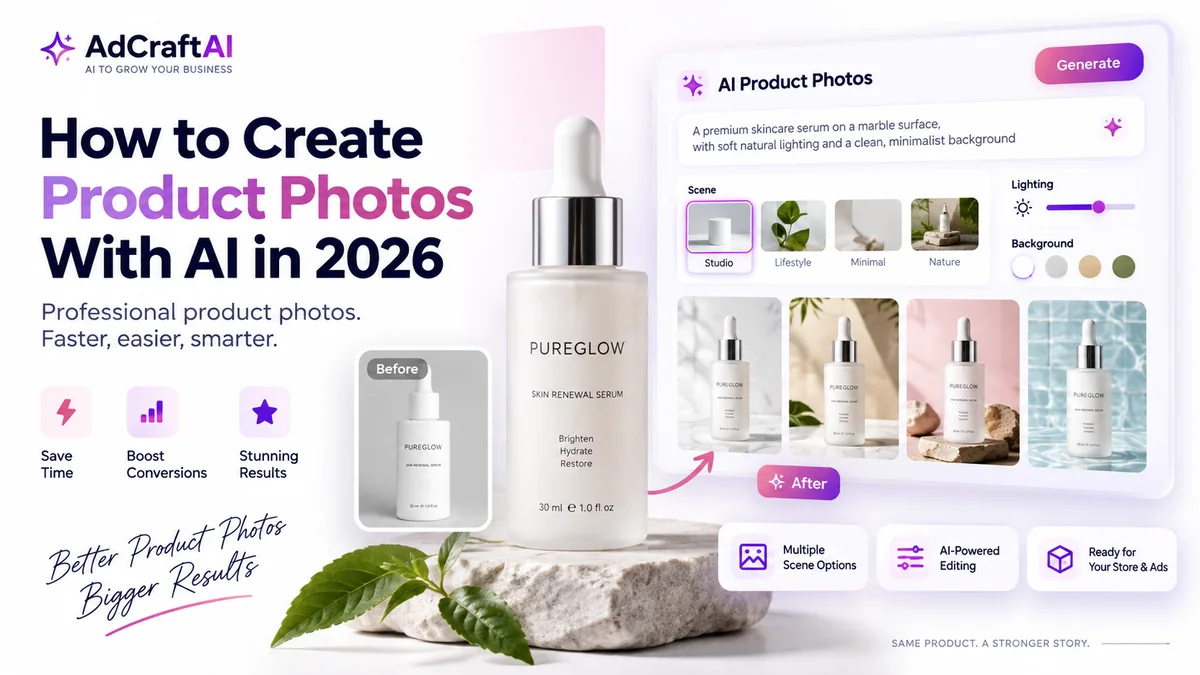
AI product photography can turn a clean product image into studio-style, lifestyle and campaign-ready visuals without rebuilding every scene from scratch. The key is to use AI for the environment and presentation while keeping the actual product accurate.
Disclosure: This page may contain affiliate links. We may earn a commission at no extra cost to you if you sign up through these links.
Traditional product photography can require a studio, lighting, props, background styling and repeated editing whenever you need a new campaign angle. AI changes that workflow by letting you start with a real product image and generate new environments, surfaces, lighting directions and visual styles.
That does not mean every generated image is ready to publish. A useful workflow protects product fidelity: the label, shape, material, proportions, colors, packaging and included accessories should still match the product a customer will actually receive.
This article focuses on product photography itself. If you want the wider advertising workflow, read our AI advertising guide . If you want to compare the tool used in this guide, see our AdCreative.ai pricing and plans guide .
What Does Creating Product Photos With AI Actually Mean?
AI product photography usually starts with a real image of the product. The AI then helps change the presentation around that product: the background, surface, lighting, environment and overall visual direction.
A practical workflow can include:
- Removing or replacing the original background.
- Creating clean studio scenes.
- Generating lifestyle environments.
- Changing lighting and mood.
- Creating several campaign variations from one source image.
- Turning the strongest product photo into an ad creative later.
What You Need Before You Create AI Product Photos
Better input gives the AI less room to guess. Start with a source photo that clearly shows the real product.
- Use a sharp image with good focus.
- Keep the full product visible.
- Avoid strong filters that change the product color.
- Use a simple background when possible.
- Make sure logos and packaging text are readable.
- Photograph the product from a useful selling angle.
Important:
AI should improve the presentation, not redesign the item. If the generated image changes the bottle shape, label, zipper, material, color, product count or included accessories, treat that result as incorrect.
How to Create Product Photos With AI: Step by Step
1. Start With One Clean Product Image
Choose the source photo that represents the product most accurately. For a bottle, keep the label visible. For shoes, preserve the shape, sole and materials. For electronics, make sure buttons and ports are represented correctly.
2. Decide the Job of the Final Photo
Do not ask AI to create “a nice product photo.” Decide where the image will be used.
| Photo Type | Main Goal |
|---|---|
| Clean studio image | Show the product clearly with minimal distraction |
| Lifestyle image | Show the product in a believable context |
| Campaign image | Create a stronger visual concept for ads and social media |
| Seasonal variation | Adapt the environment without changing the product |
3. Choose a Preset or Write a Scene Prompt
AdCreative.ai currently lets users choose pre-designed product photography scenes or write custom prompts for a specific setting. Start simple. Describe the surface, environment, lighting and mood before adding decorative details.
Place this skincare serum on a light natural-stone surface. Use soft morning window light from the left. Add a small green leaf in the background. Keep the scene minimal and premium. Preserve the bottle shape, label, cap, color and proportions exactly.
4. Generate Several Controlled Variations
Generate a small group of images from the same scene direction. This makes it easier to compare composition, lighting and product fidelity without changing too many variables at once.
Useful first variations include:
- Light background vs darker background.
- Stone surface vs reflective surface.
- Soft daylight vs controlled studio light.
- Minimal scene vs contextual lifestyle scene.
5. Inspect the Product Before You Judge the Background
A beautiful scene is not useful if the product is wrong. Zoom in and inspect the areas that define the item.
- Logo
- Label text
- Shape and proportions
- Materials and textures
- Product color
- Small hardware or accessories
6. Refine the Scene Without Rebuilding the Product
If the product is accurate but the scene is weak, change one thing at a time. Ask for softer lighting, more negative space, a cleaner surface, a different background tone or a more believable shadow.
7. Create a Consistent Set
Ecommerce pages often need more than one image. Build a small family of visuals that feels connected.
8. Export the Strongest Images
Export only after the product passes your QA check. Keep a high-quality master image, then resize or crop copies for the final channel.
9. Turn Selected Photos Into Ad Creatives
AdCreative.ai also lets users move from generated product photos into advertising creative workflows. That makes the product photo a reusable source asset rather than the final step.
How AdCreative.ai Product Photoshoots Work
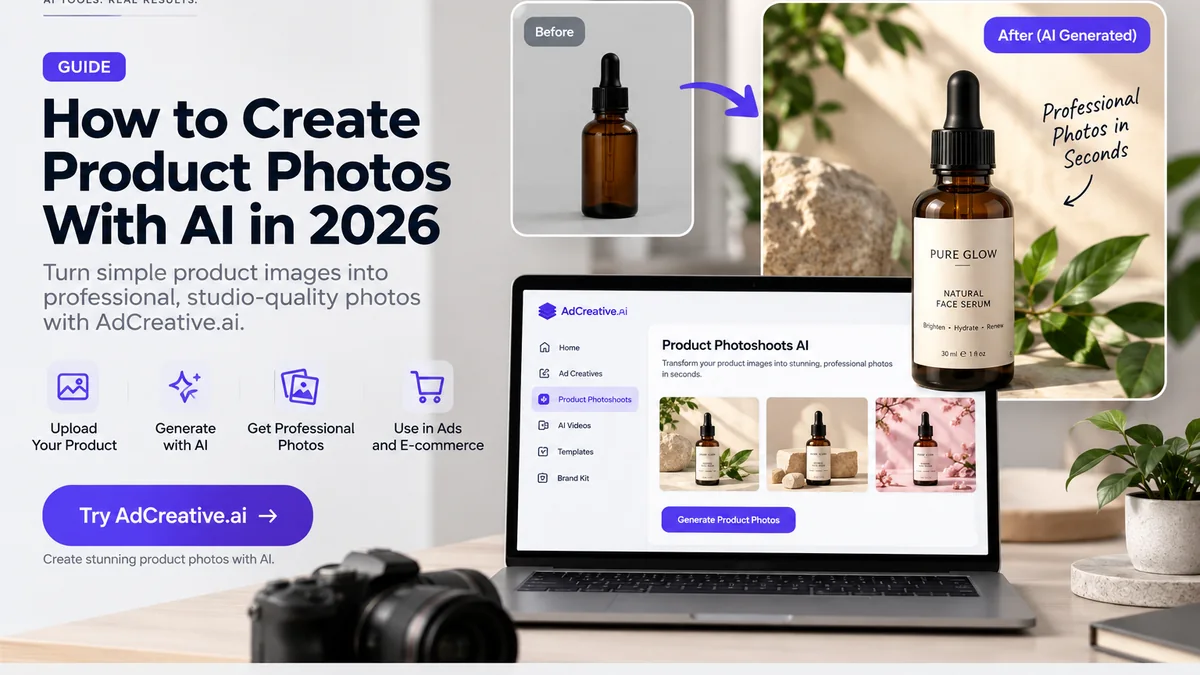
AdCreative.ai's Product Photoshoots workflow is built around turning a basic product image into more polished ecommerce and advertising visuals.
According to AdCreative.ai's current product page, users can upload a product image, choose from pre-designed scenes or write a custom prompt, generate multiple branded environments, remove product backgrounds and move selected outputs into ad creative workflows.
That makes the tool especially relevant when you already have accurate product photography but need more visual variety for product pages, marketplaces, social media and paid advertising.
Turn One Product Image Into More Visual Variations
Explore AI product photography, scene generation and ad creative workflows from the same starting product image.
Discover the AI Tool →Product Photo Prompt Examples
Product photography prompts work better when they describe the environment while explicitly protecting the product.
Clean Studio Prompt
Create a premium studio product photo on a warm-white background. Use a soft key light from the upper left, a subtle realistic contact shadow and generous negative space. Preserve the product, packaging, label, proportions and colors exactly.
Lifestyle Prompt
Place this product on a modern bathroom shelf with soft natural morning light, neutral stone textures and a minimal premium atmosphere. Keep the product fully visible. Do not change the label, bottle, cap or product color.
Advertising Prompt
Create a high-impact advertising product photo with the product centered on a reflective surface, controlled purple and pink accent lighting and clean negative space for ad copy. Keep the actual product design unchanged.
How to Protect Product Accuracy in AI-Generated Photos
Product fidelity is the most important quality-control step. A shopper should not receive an item that looks materially different from the product shown in the image.
| Check | What to Verify |
|---|---|
| Shape | Overall silhouette and proportions |
| Branding | Logo placement, label and packaging text |
| Color | Product, packaging and material colors |
| Material | Glass, metal, fabric, leather, plastic or finish |
| Included items | Accessories, quantity and packaging contents |
If a generated image fails one of these checks, reject it or regenerate it. Do not publish it simply because the background looks good.
Product Page Photos and Ad Creatives Have Different Jobs
The same AI product photography workflow can support both, but the output should not always look the same.
| Use | Creative Priority |
|---|---|
| Product page | Clarity, consistency and accurate product representation |
| Marketplace listing | Clean product visibility and platform-friendly presentation |
| Social post | Brand style and visual storytelling |
| Paid ad | Attention, message hierarchy and room for copy or CTA |
For Instagram-specific advertising workflows, see our Instagram Ads With AI guide .
Practical Example: Turn a Basic Product Image Into a Campaign Photo
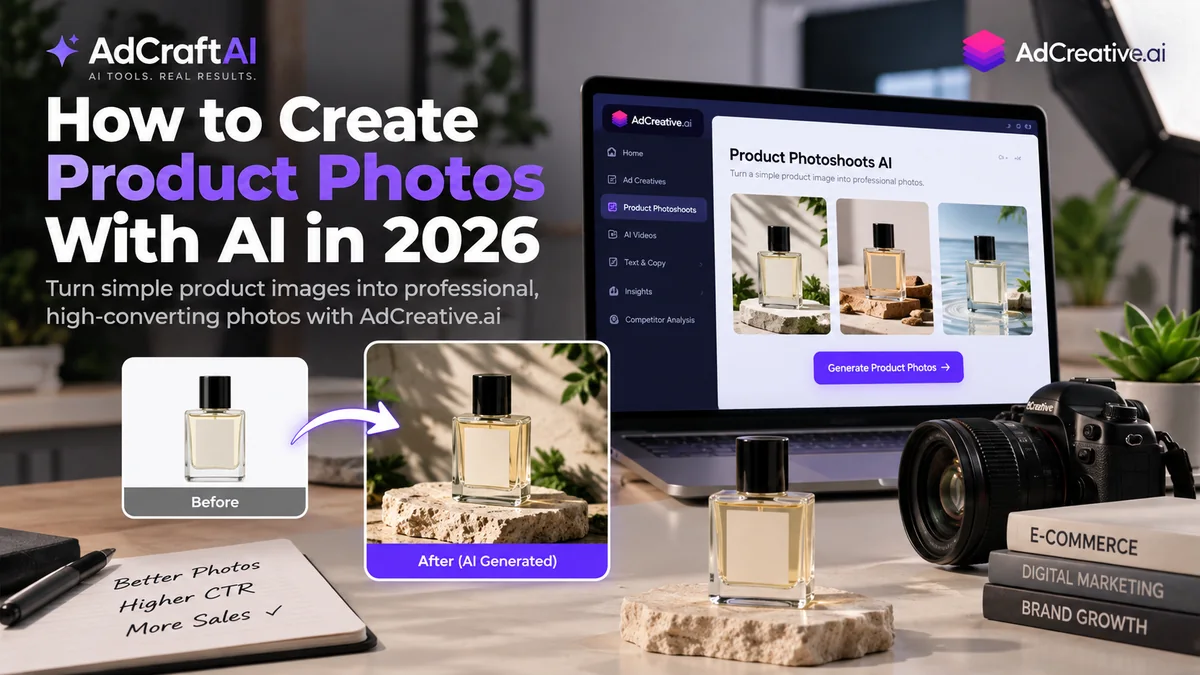
Imagine we have one clean image of a perfume bottle on a plain background. We need three new assets: a product-page hero, a lifestyle image and an advertising visual.
Version 1: Product Page Hero
Scene: Warm-white studio background
Lighting: Soft diffused studio light
Surface: Matte neutral pedestal
Goal: Clear product presentation
Version 2: Lifestyle Image
Scene: Premium bathroom counter
Lighting: Morning window light
Props: Minimal stone and plant details
Goal: Show the product in a believable environment
Version 3: Advertising Visual
Scene: Reflective premium surface
Lighting: Controlled brand-color accents
Composition: Product on one side with negative space for copy
Goal: Create an image ready to become an ad
Final Review
Compare all three outputs with the real perfume bottle. The environment should change. The product should not.
How to Test AI Product Photo Variations
AI makes it easy to create dozens of scenes. That does not mean you need dozens of random variations. Test deliberate visual differences.
| Test | Example |
|---|---|
| Background | Minimal studio vs contextual lifestyle |
| Lighting | Soft daylight vs dramatic studio light |
| Composition | Centered product vs product with copy space |
| Surface | Stone vs glass vs matte pedestal |
Keep the actual product stable while changing the presentation. That way you learn which visual direction works without confusing product accuracy with creative style.
Common Mistakes When Creating Product Photos With AI
Starting With a Poor Source Image
Blurry photos, heavy shadows and hidden product details make the AI guess more than it should.
Using Vague Prompts
“Make this premium” is not a clear art direction. Describe the scene, surface, lighting, mood and what must remain unchanged.
Letting AI Redesign the Product
A more attractive bottle, a cleaner logo or a different material may look better but can misrepresent the real item.
Creating Too Many Styles at Once
Generate one visual family at a time. This makes review and brand consistency much easier.
Using Advertising Images as the Only Product Images
Campaign images can be dramatic, but shoppers still need clear product views. Keep ecommerce clarity and advertising creativity as separate jobs when needed.
Publishing Without Full-Size Review
Small preview images can hide label errors, warped edges and unrealistic reflections. Inspect the final output at full size before publishing.
A Simple AI Product Photography Workflow
- Capture or choose one accurate source product image.
- Decide whether you need studio, lifestyle or campaign imagery.
- Remove distractions or isolate the product where useful.
- Choose a preset or write a controlled scene prompt.
- Generate a small number of variations.
- Inspect product shape, label, color and materials.
- Refine the environment without changing the product.
- Build a consistent set of selected images.
- Export high-quality masters.
- Adapt copies for ecommerce, social and advertising.
- Turn selected photos into ad creatives where useful.
- Use performance data to guide the next visual direction.
Continue Building Your AI Advertising Workflow
Product photography is one part of the creative system. Once the source visuals are strong, they can feed platform-specific ad workflows.
- How to Create Product Videos With AI
- How Ecommerce Brands Can Use AI to Create Ads
- How to Generate AI Images for Ads
- How to Create AI Fashion Photoshoots
- How to Turn a Website Into Ads With AI
- How to Create Instagram Ads With AI
- How to Predict Ad Performance With AI
- How to Analyze Competitor Ads With AI
- How to Create Buyer Personas With AI
- How to Create Facebook Ads With AI
- How to Create Snapchat Ads With AI
- Complete AI Advertising Guide
Frequently Asked Questions About AI Product Photos
Can AI create product photos from one image?
Yes. AI product photography tools can use a source product image to create new scenes, backgrounds, lighting and visual variations. The final images should still be checked against the real product for accuracy.
What is the best source image for AI product photography?
Use a sharp, well-lit image that clearly shows the real product, its shape, color, label and important details. A simple background is helpful.
Can AI replace a traditional product photoshoot?
AI can replace or reduce some studio work, especially for background changes, scene generation and visual variations. Physical photography can still be valuable when exact material, fit, scale or complex details must be demonstrated.
Can I use AI product photos for ecommerce?
Yes, provided the image accurately represents the product being sold and follows the requirements of the store or marketplace where it will be published.
Can AdCreative.ai generate product photos?
Yes. AdCreative.ai currently offers an AI Product Photoshoots workflow that can generate studio-style and lifestyle product visuals from a product image, using presets or custom prompts.
Can I turn AI product photos into ads?
Yes. AdCreative.ai lets users move generated product photos into its advertising creative workflows, so selected visuals can become ad assets.
How do I stop AI from changing my product?
Start with a clear source image, explicitly tell the tool what must stay unchanged and inspect labels, shape, colors, materials and packaging after every generation.
Should I generate hundreds of product photo variations?
Usually not at the beginning. Generate a small number of controlled variations, identify the strongest visual direction, then expand that direction if needed.
Product Photography Resources
AI product photography tools and ecommerce requirements can change over time. Use the resources below to confirm current features and best practices.
Final Thoughts
AI product photography is most useful when it gives you more visual options without changing what the customer is buying.
Start with an accurate product image, control the scene, review the product before the background, and create variations with a specific job in mind. The goal is not to generate the most images. It is to create a smaller set of accurate, consistent visuals that can support ecommerce and advertising more effectively.
Create Product Photos With AI
If you already have a clean product image, AI can help turn it into studio, lifestyle and advertising-ready visual variations.
AdCreative.ai includes Product Photoshoots alongside broader advertising creative tools.
Discover the AI Tool →